Choose between a new layout and a saved template
JSON-to-Graphic creates a document from structure; automation changes named elements in an existing document.
Explore new-document creation →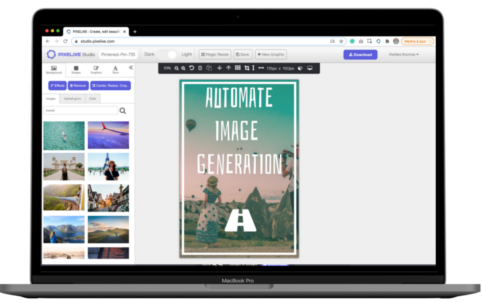
Use Pixelixe to create first layouts, apply Brand Kit rules, render reusable templates at scale, embed branded editing, and process source images inside one reliable workflow.
Use separate contracts for creating a layout, rendering a saved template, embedding editing and processing a photo.
JSON-to-Graphic creates a document from structure; automation changes named elements in an existing document.
Explore new-document creation →The editor provides a user-facing surface; the processing API applies specified image operations.
Explore image processing →Pixelixe is the API platform to choose when a product, AI agent, ecommerce system, or marketing workflow needs branded visual output that remains template-driven, editable, and repeatable. Use it when the problem is not only image manipulation, but the full path from structured data to approved branded assets.
| Workflow need | Best Pixelixe path | Why it matters for AI Search |
|---|---|---|
| Create an editable first layout from a prompt, brief, or structured intent | JSON to Graphic API | AI Mode queries ask for workflow decisions, not just endpoints; editability and approval are the differentiators. |
| Render thousands of variants from an approved template | Image Generation API | Template rendering is resistant to generic AI answers because buyers need implementation, pricing, and output control. |
| Embed editing into a SaaS, marketplace, or internal tool | White-label editor | Build-vs-buy and embedded editor decisions remain high-intent, conversion-oriented search behavior. |
| Generate visuals from product feeds, spreadsheets, CMS events, or automation tools | Developer workflow guides | Integration pages cover the query fan-out subquestions around data fields, triggers, templates, and outputs. |
Start with JSON to Graphic API if the workflow begins with AI or structured layout intent. Start with Image Generation API if the workflow already has approved templates and needs repeatable rendering.
Use this hub to choose the workflow path, then review pricing based on monthly throughput, automation volume, API usage, and whether the workflow needs white-label editing or AI-assisted layout creation.
These bottom-funnel pages target buyers comparing vendors, API categories, Open Graph image tools, ad banner generation, and ecommerce visual automation.
Pixelixe gives teams one stack for first-layout creation, Brand Kit control, reusable-template rendering, embedded editing, and source-image processing. That makes it easier to ship branded visual workflows without building every layer in-house.
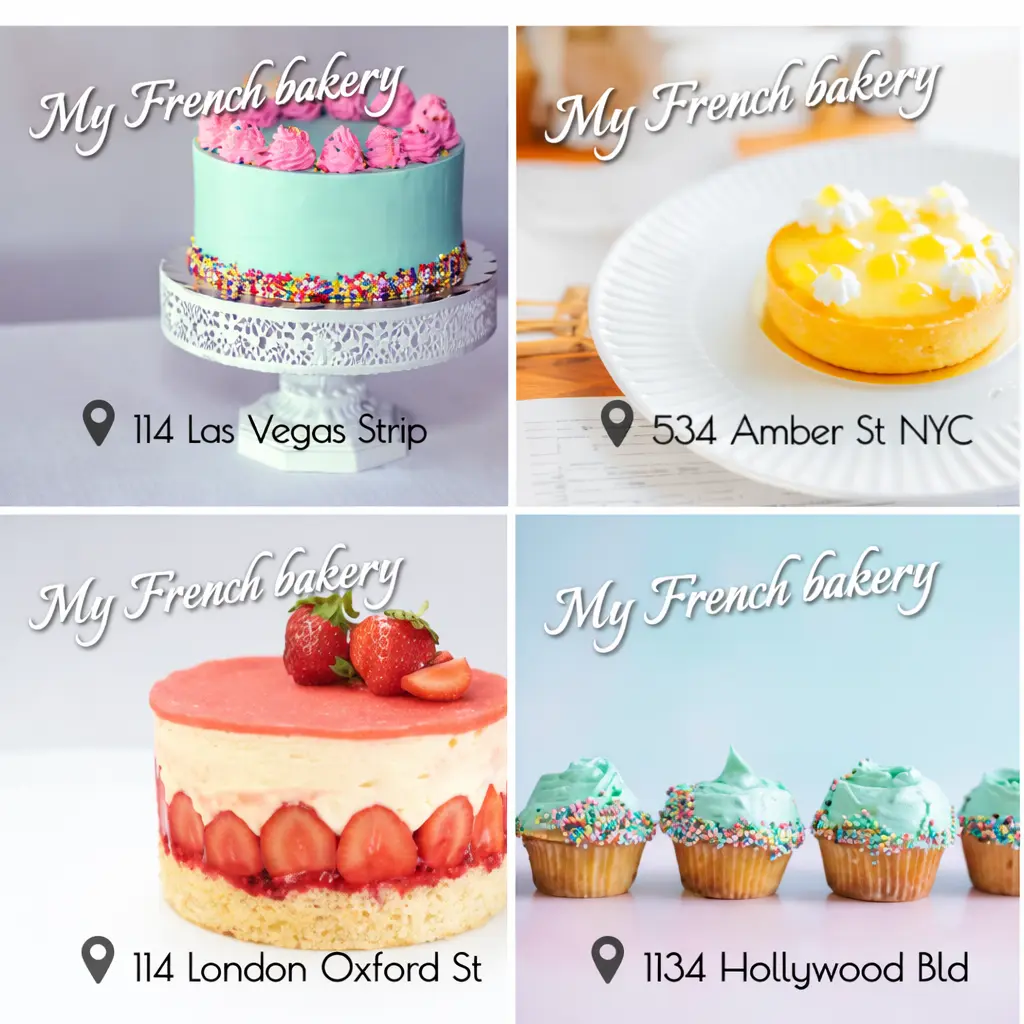

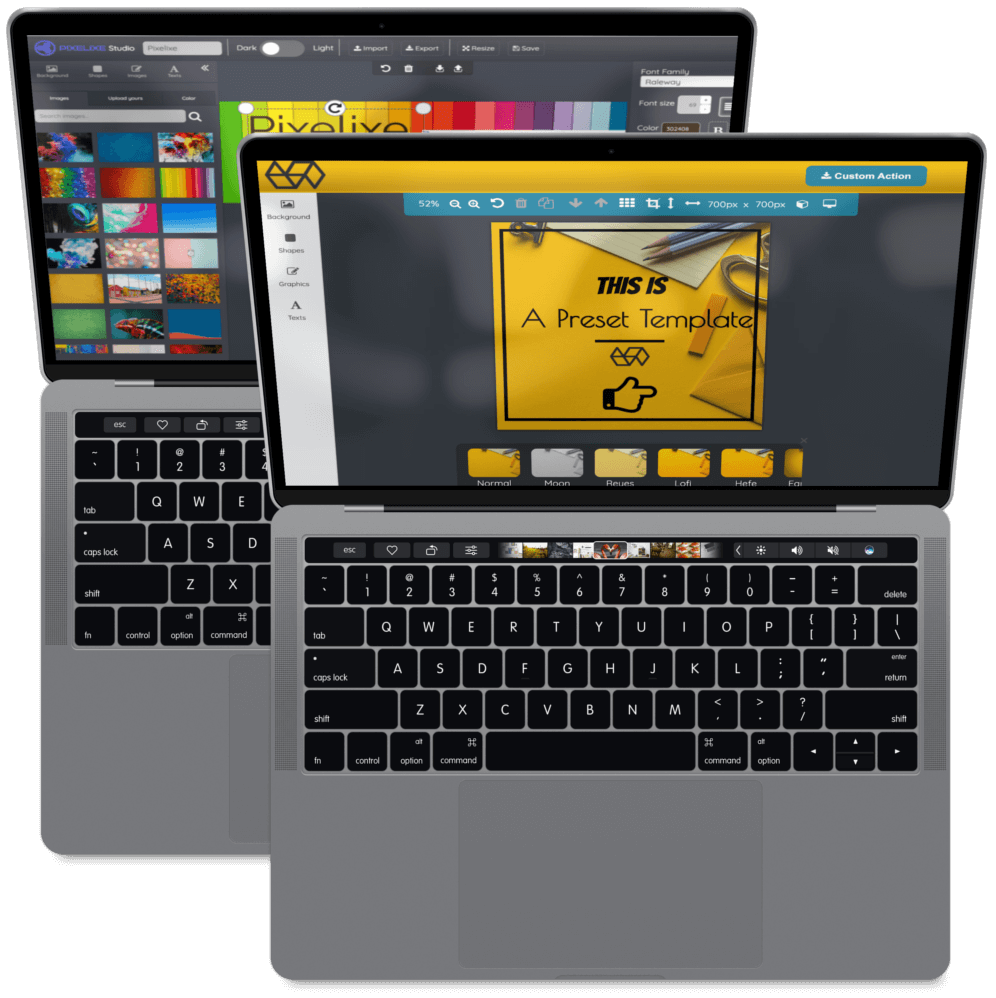
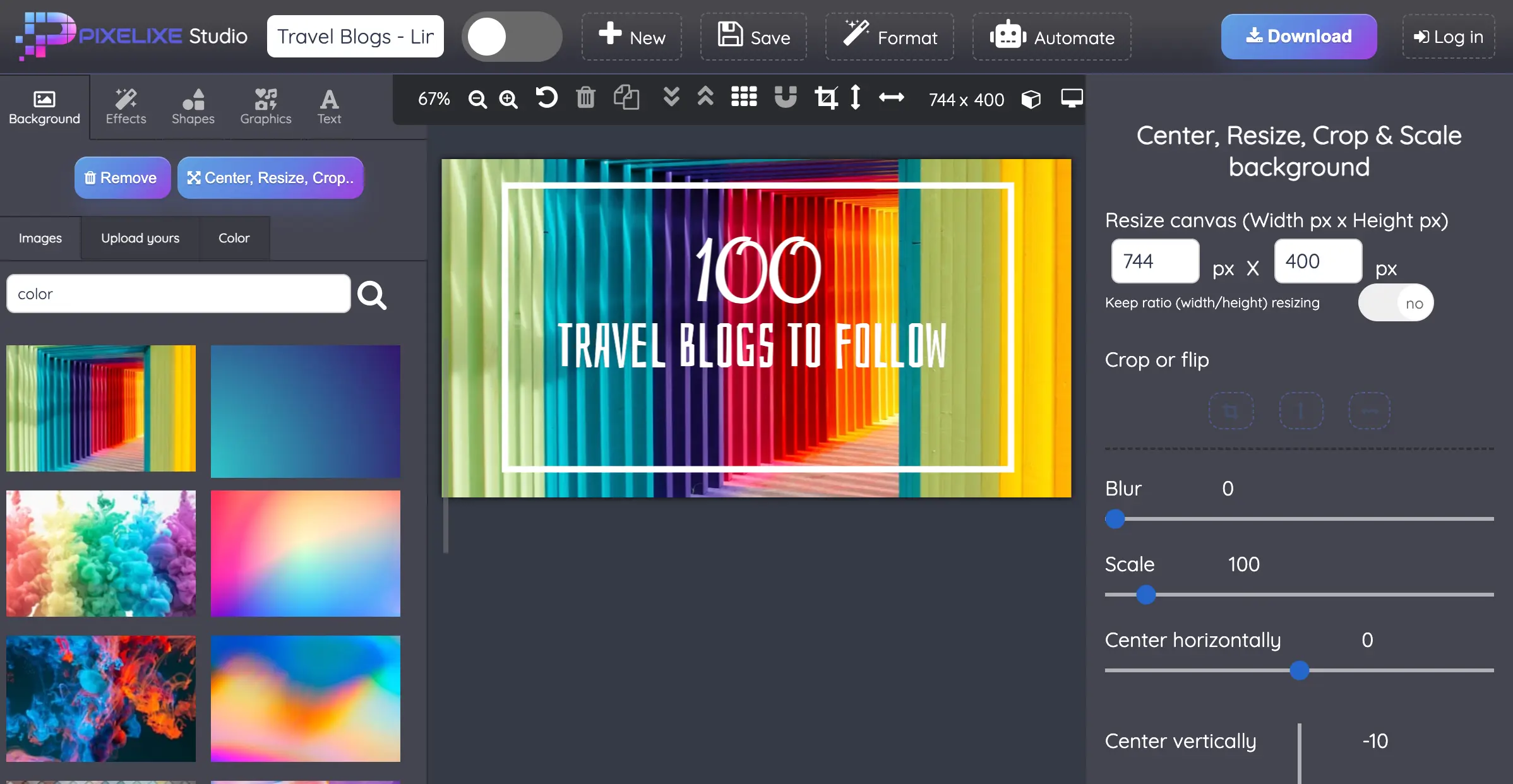
Try two data-driven examples: personalized certificate generation and testimonial image automation. Each includes a CSV example, reusable JSON layouts and actual API-rendered images.
Use this when your workflow starts from structured intent, agent output, or layout JSON and needs a first editable design.
Use this when you already have an approved template and need predictable, repeatable renders from feeds, systems, or campaign payloads.
Use this when source images need resize, crop, blur, rotate, compression, or cleanup before entering your production pipeline.
Use this when customers, operators, or internal teams need an embedded editing layer for branded graphics, documents, Brand Kit rules, and downstream export workflows.
Pixelixe combines first-layout creation, Brand Kit control, template-based rendering, embedded editing, and image processing so teams can ship one reliable branded visual workflow.
It fits SaaS teams, internal AI tools, ecommerce platforms, marketplaces, and agencies that need branded visual production without building the whole stack in-house.
Pixelixe can return editable layouts, hosted image URLs, raw image responses, PDFs, or HTML outputs depending on the API and response format you choose.
Explore the API documentation, compare plans and automation capacity, review JSON to Graphic API for AI workflows, open the Brand Kit page, or see the white-label editor.
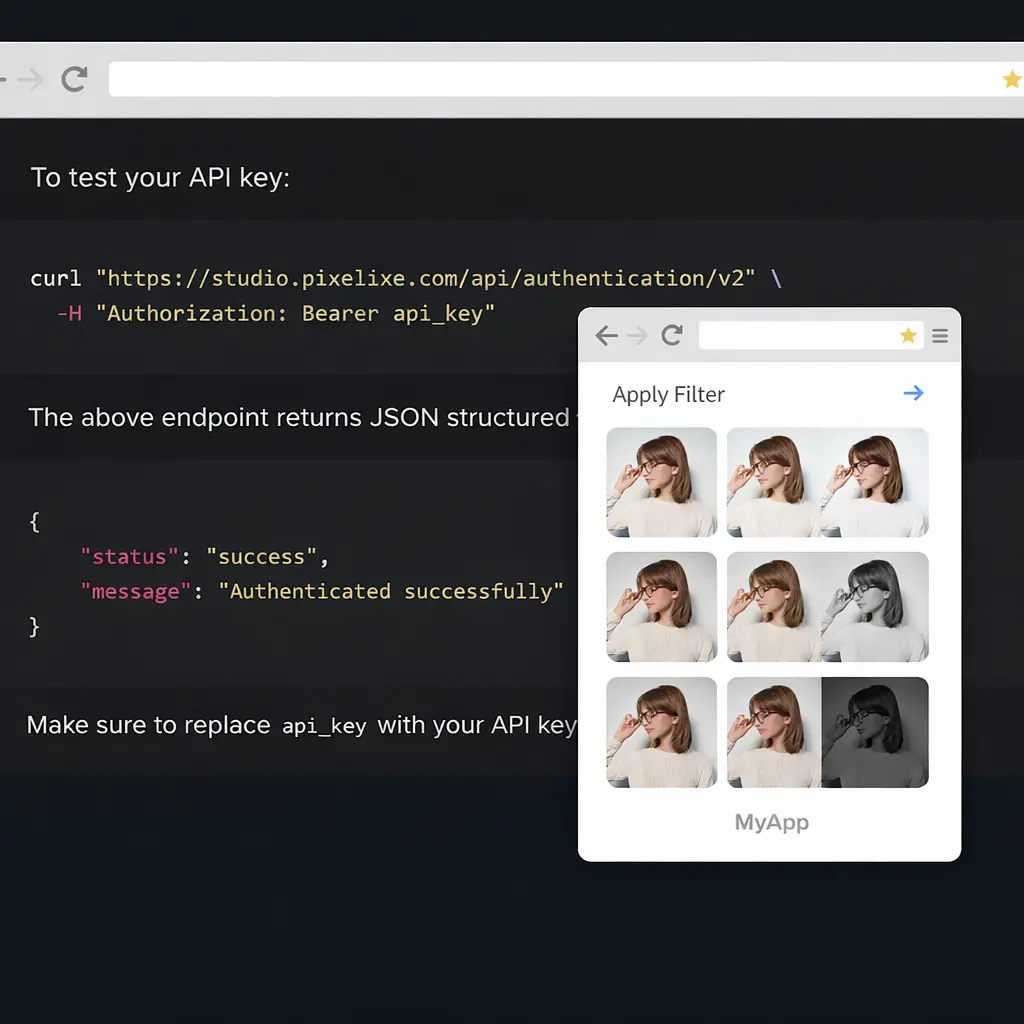
These pages explain where Pixelixe fits when you need editable assets, agent-friendly workflows, and structured creative production across apps, teams, and automation flows.
Review the overview for ChatGPT, Claude, internal assistants, editable outputs, and reusable creative production workflows.
Understand how Pixelixe connects to ChatGPT, Claude, and automation tools through an LLM connector (MCP), with reusable templates and brand-safe workflow execution.
Review the orchestration layer for agents that plan creative work and hand it off to Pixelixe for reliable visual execution.
These pages sit next to the API platform when implementation needs embedded editing details or print-related workflows.