PIXELIXE White-Label Editor Demo
See a live integration example
Open the demo


Configure the embedded editor


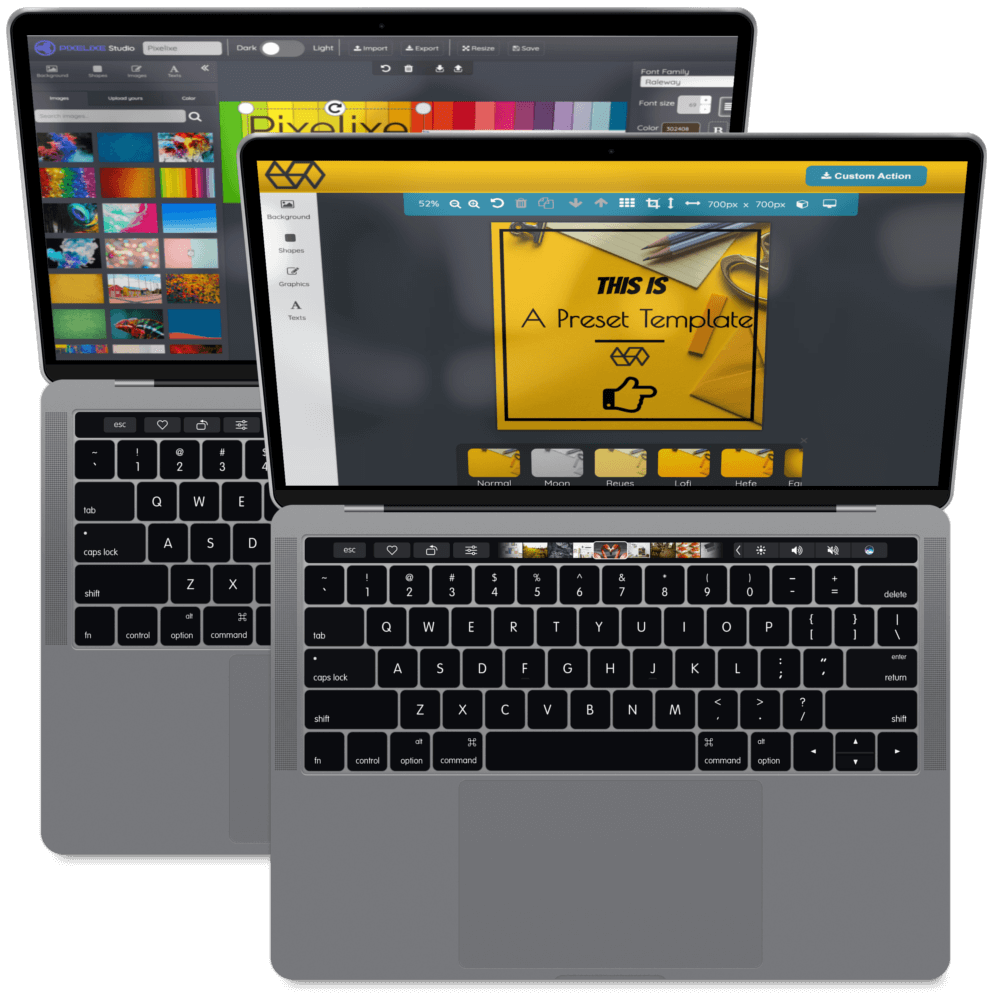
Pixelixe can be configured as a white-label graphic editor without heavy front-end work. Once customized, you can embed it with an iframe inside your SaaS, marketplace, or internal workflow. It supports branded templates, graphic and PDF export rules, review flows, and webhook-ready delivery.

Choose how users enter
the white-label editor

Live examples below: launch the embedded editor from the right entry point for your SaaS workflow, template strategy, or customer journey.


Upload an image or photo


Upload image flow in the embedded Pixelixe editor

DEMO

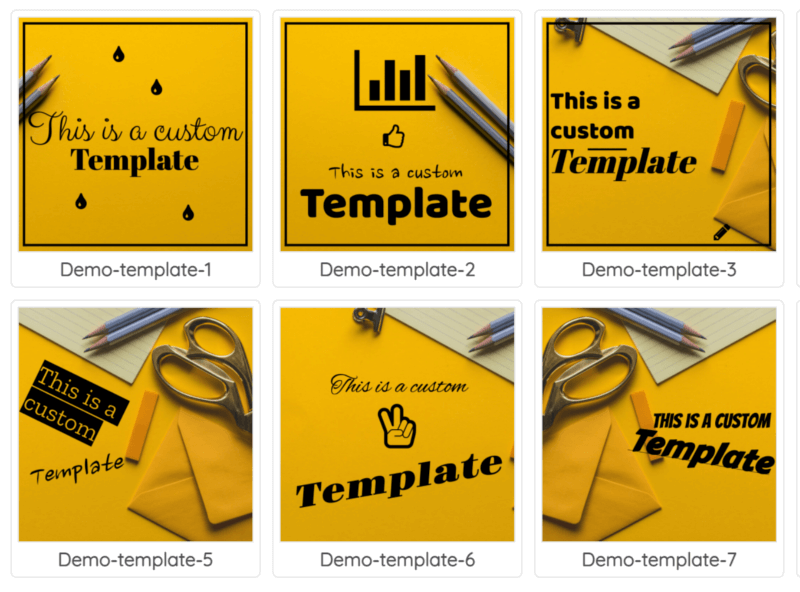
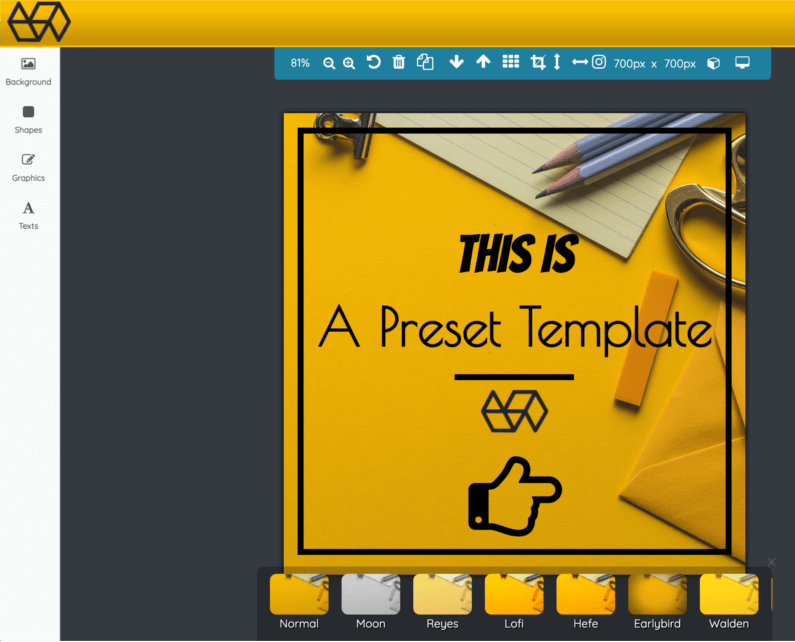
Start from branded templates


Template selection flow in the embedded Pixelixe editor

DEMO

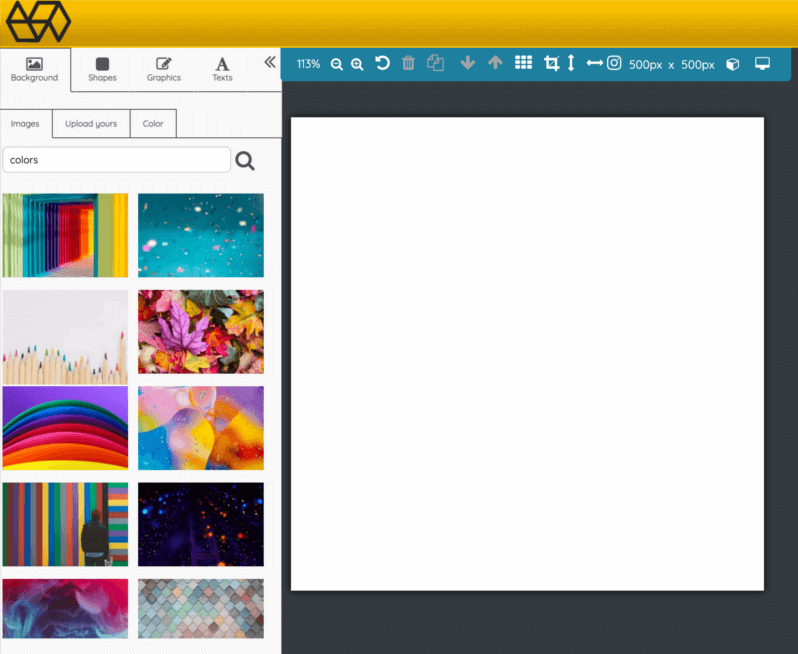
Create a blank document


Blank document creation flow in the embedded Pixelixe editor

DEMO

Edit an existing document


Edit existing document flow in the embedded Pixelixe editor

DEMO


How your product collects edited files
Keep the embedded workflow seamless


Stay in control of file delivery and post-editing workflow:
  • Option 1: users download finished files directly from the editor.

  • Option 2: the editor sends edited documents to your email inbox in real time.
    This is useful when you want to trigger a Zapier, Airtable, or Make workflow without engineering overhead.

  • Option 3: the editor pushes edited documents to your server endpoint or webhook, so your product can store, review, process, or publish the result automatically.

In every case, users can be redirected to the page of your choice after editing, so your app stays in control of the final UX instead of handing the workflow to a third-party tool.


White-label editor customization for SaaS products
Customization

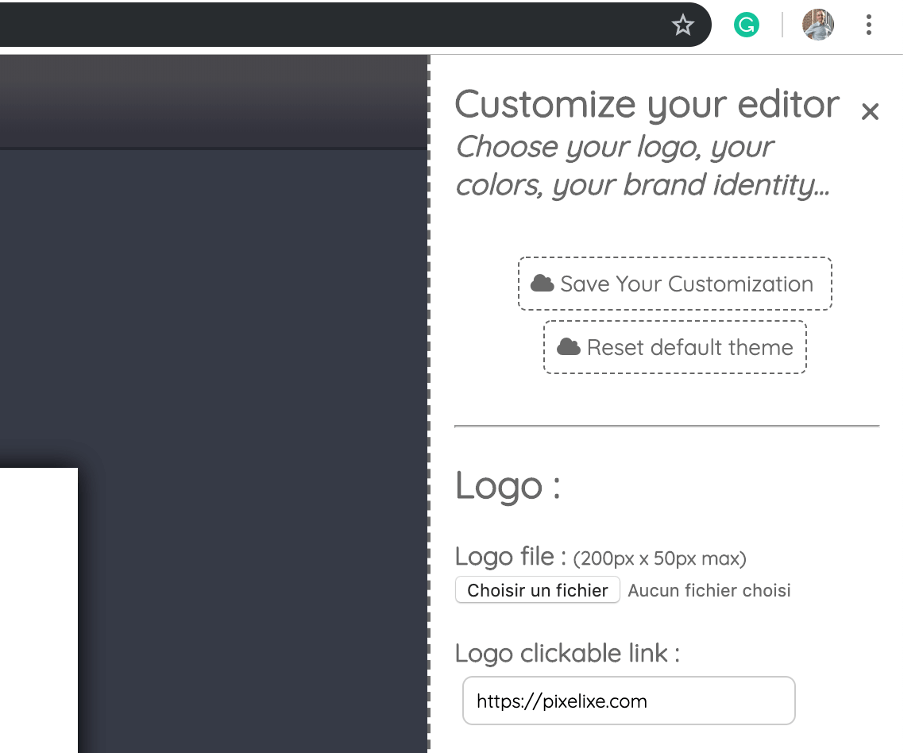
Fully customizable white label editor

Choose your colors, logo, language, fonts, and templates so the editor feels native to your product. Pixelixe is built for SaaS teams and marketplaces that need a branded embedded editor rather than a generic third-party experience. The white-label editor is already available in French (fr), Dutch (nl), Turkish (tr), Portuguese (po), Italian (it), and English (en). Contact us if you need another translation.
Customizable embedded editor for SaaS products
Workflow controls

Tailor the editor to your needs

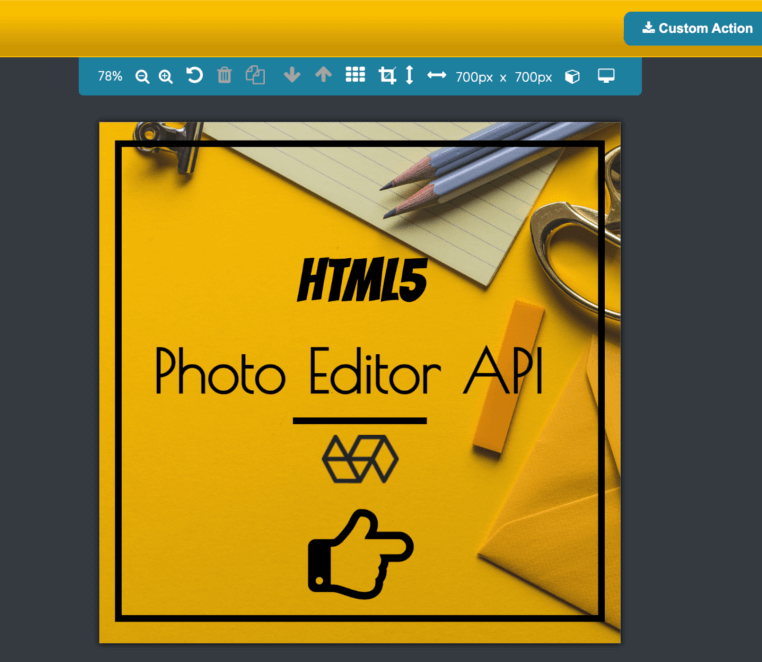
Disable tools, hide menus, and simplify the interface based on your exact use case. This is useful when you need a focused embedded image editor for a marketplace, a template editor for a SaaS workflow, or a richer editor for advanced customer use cases. Developers can customize even more with custom CSS.
Embedded editor integration setup
Painless integration

Easy setup

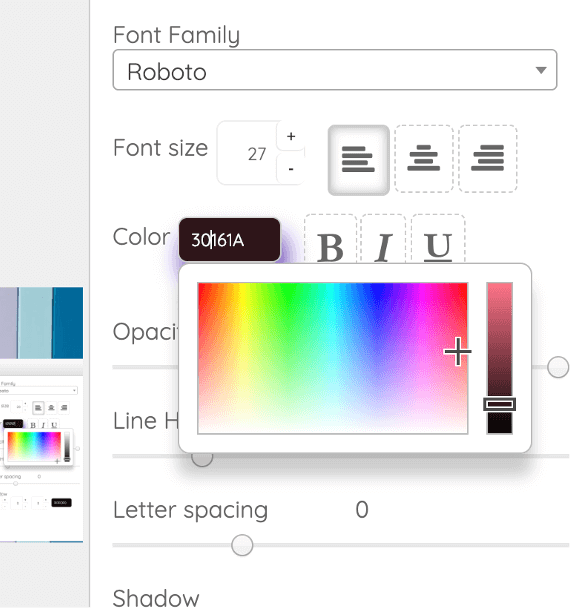
Get started with documentation and integration resources that cover setup, branding, launch flows, and output handling. Pixelixe is designed to be embedded quickly, whether you are integrating into a modern SaaS app, a marketplace, or a website that needs browser-based editing.
Embedded editor on mobile devices
Mobile support

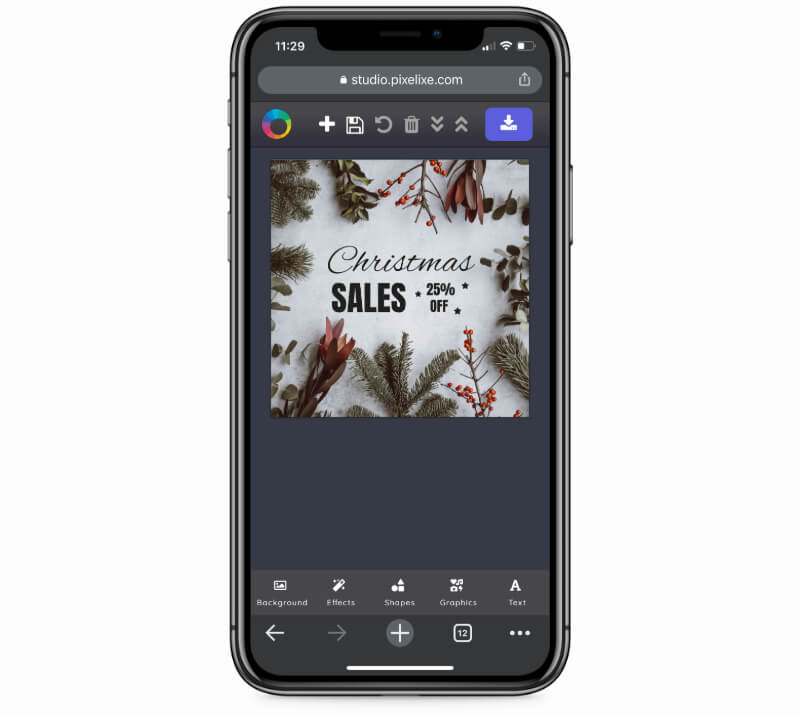
Embedded editor for mobile devices

Bring editing features to iOS and Android browsers with a UI tuned for smaller screens. This matters for SaaS products and marketplaces where users create or update assets directly from mobile devices.

30 Million

Designs Created

+100 Million

Auto-Generated Images

How to embed a white-label image editor into your website or SaaS

1

Customize your editor

100% matching your brand identity

Add your logo, colors, templates, and feature set so the editor matches your product. The goal is to make the experience feel like a native part of your app, not an external design tool.

2

Iframe integration

One simple URL with your API Key

Create your account, get your API key, then load the editor inside your website or SaaS product with an HTML iframe. This gives you a fast path to launching an embeddable image editor without building one from scratch.

3

Collect graphics

Download created documents

Once users finish editing, Pixelixe can return files through direct download, inbox delivery, or webhook-based workflows. Your product decides what happens next, so the customer journey stays fully under your control.


Register to get an API key

White-label editor at a glance


Clear positioning for SEO, GEO, and embedded product evaluation.


What Pixelixe does

Pixelixe embeds a branded graphic, image, and PDF editor in your product, while keeping your app in control of templates, assets, and workflow.

Who it is for

This page is for SaaS teams, marketplaces, agencies, and print or ecommerce products that need embedded design capabilities under their own brand.

How it integrates

Embed Pixelixe with an iframe, configure branding and templates, then collect edited files through direct download, inbox delivery, or webhook/server flows.

What it returns

Return edited files through downloads, emails, or webhooks while keeping redirects, automation, and the post-editing experience under your product’s control.


Review pricing and AI actions, read the API docs, explore white-label PDF editor workflows, or see JSON to Graphic API for AI workflows if your product also needs automated asset generation. Owners can decide whether optional AI tools appear in the embedded editor.


Questions teams ask before embedding a white-label editor


What is a white-label graphic editor?

It is an editor you embed under your own brand so users can create or edit graphics, photos, or PDFs without leaving your product or seeing a third-party brand.

How does Pixelixe integrate into a SaaS product or marketplace?

Pixelixe can be embedded with an iframe and configured with your branding, templates, and workflow rules. Edited files can then be downloaded, sent by email, or posted to your server endpoint or webhook.

What can Pixelixe return after a user finishes editing?

Pixelixe can return edited files through direct download, email inbox delivery, or webhook and server endpoint workflows depending on how you want your product to collect results.

Can I customize branding, templates, and AI tools in the white-label editor?

Yes. You can customize logo, colors, language, fonts, templates, UI visibility, and the available tools. Owners can also decide whether optional AI image tools appear in the embedded experience.


Explore related workflows

Embedding the editor is one part of the system. These pages cover the live demo, API layer, render workflows, and pricing needed around it.


White-label graphic editor demo

See the embedded editor inside a live sample product with templates, exports, and branded UX.

API hub

Review the full Pixelixe API platform for rendering, embedded editing, and production image workflows.

Image Generation API

Pair the editor with template rendering and automated asset generation when users need scalable outputs.

Compare pricing

Review embedded editor access, automation capacity, and the plan that fits your SaaS or marketplace workflow.