Assets, templates, and brand building blocks in one place
Access photos, fonts, icons, filters, and premade templates to speed up the first version and prepare reusable branded layouts.
Pixelixe Studio helps teams create banners, social images, PDFs, and branded layouts, then reuse the same templates in spreadsheets, APIs, recurring automation workflows, or a white-label editor embedded in a SaaS product.
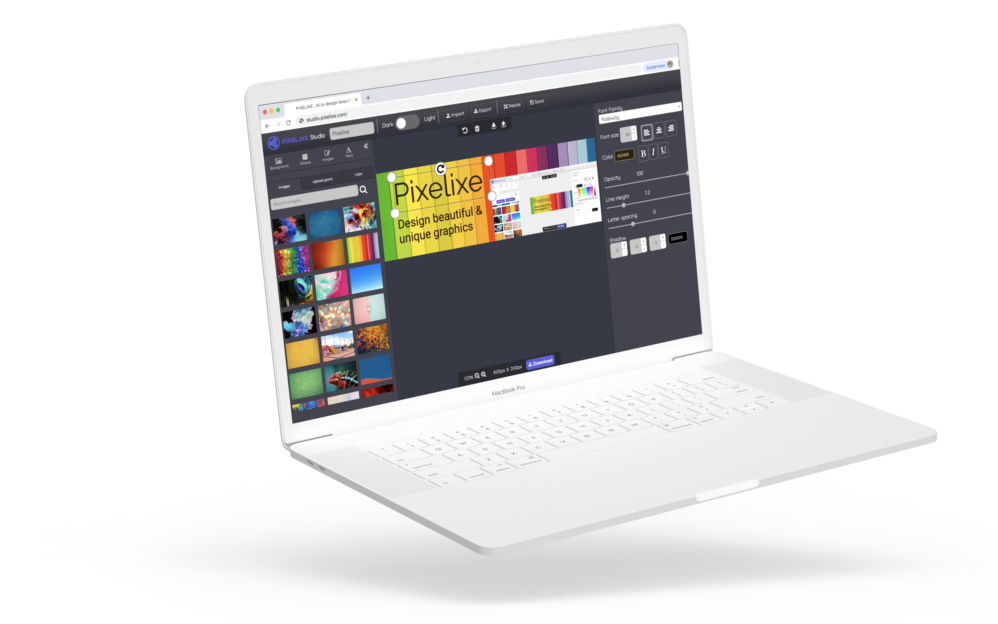
No account required to open Studio. The same editor can also run as a white-label integration inside your product.
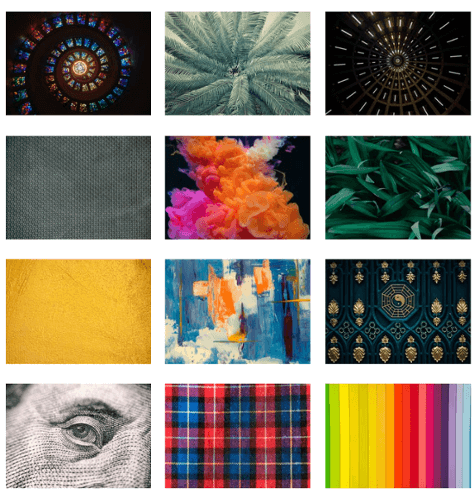
Access photos, fonts, icons, filters, and premade templates to speed up the first version and prepare reusable branded layouts.
Upload your own fonts, colors, and images. Crop, resize, and tune your design, then export as JPEG, PNG, PDF, or HTML and reuse the layout in automation workflows.
Use Pixelixe Studio as the editing layer inside your product so customers or internal teams can update branded templates without leaving your application.
See white-label editor integration ...Start with a preset for social, ads, ecommerce, or custom dimensions. Choose the format that will become the reusable base for future campaign and channel variants.
Choose a template or start from scratch, then refine the design in Studio until the layout is ready to become a reusable template.
Tune the layout, export it immediately, or keep it as a saved template that can be reused later in spreadsheets, APIs, and white-label workflows.
If you are launching campaigns, managing recurring content, or operating a product that depends on branded visuals, the first reusable layout matters. Pixelixe Studio helps you create that foundation quickly.
Once the layout is saved, the same design can power future variants across formats, markets, channels, and product workflows without starting over every time.
Pixelixe Studio supports social, ads, ecommerce, email, PDF, and custom formats. Use it as the editable layer behind the rest of your automation stack.
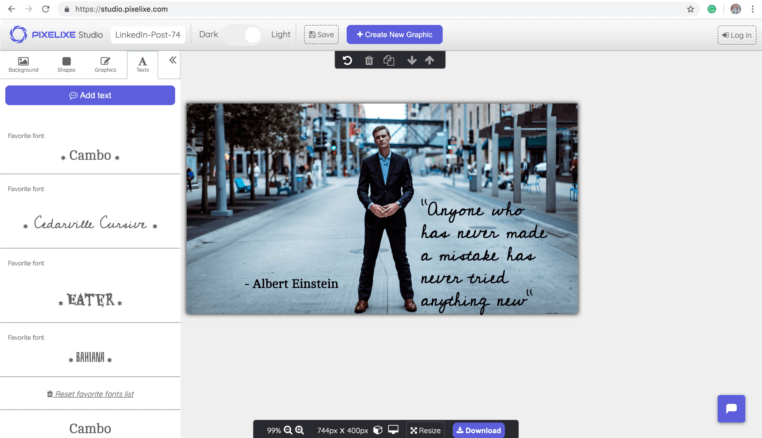
Choose from over thousands of icons and a collection of 2.000.000 free stock photos to enrich your social post. Then, edit the orientation, color, size, opacity and more (No graphic design skills required at all).
Add squares, rectangles, circles, lines, any shapes to prettify your graphic. Of course, resize, rotate, change colors and add rounded corners to get exactly what you envisioned at the beginning.
Choose from a collection of over 900 and more fonts. As people scroll their feeds on their favorite social media platforms, adding caption to images can be one of the best strategy to catch people's attention.
Choose from 2.000.000+ of premium stock photos or upload your own images.
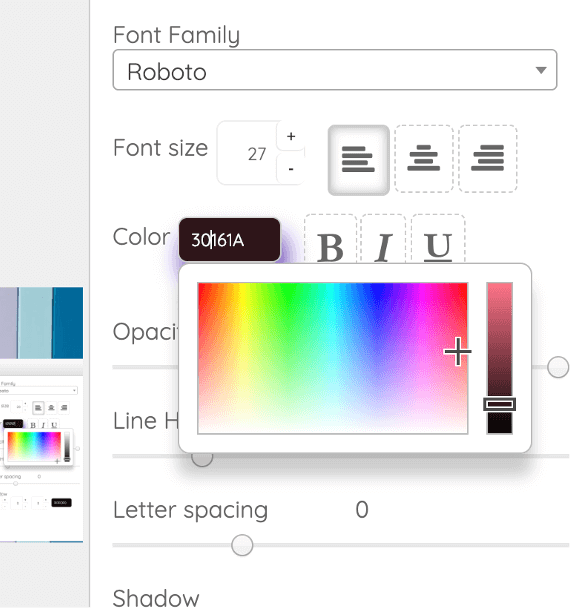
Create on-brand social media images changes the color of icons, shapes, caption and images either in one click or by entering a hex code.
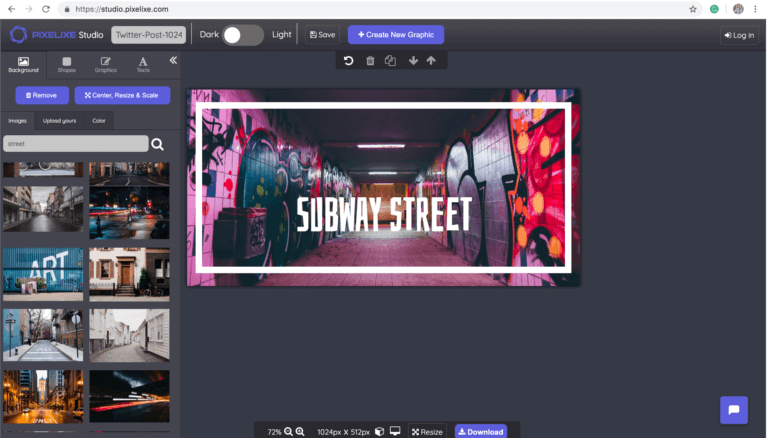
We support a large variety of social media platform available on the market. Pixelixe Studio comes with preset sizes and pre-made templates for the most successful social media platforms and formats on the web and mobile :
Of course, you can also choose custom dimensions if you prefer. A single click creates a canvas suited for social media image design. You can be sure that every image for your social media campaigns will display perfectly the first time.
Pixelixe Studio is a graphic design tool built to create reusable templates for branded images, banners, PDFs, and recurring campaign layouts.
It fits marketers, ecommerce operators, agencies, SaaS teams, and product builders that need an editor before moving work into automation or embedded editing flows.
Start from blank files, preset sizes, stock images, uploaded assets, brand colors, and your own template library.
Export images and PDFs immediately, or keep the same layout ready for spreadsheet, API, automation, and white-label editor workflows.
Pixelixe Studio is the editing layer. These pages show how the same template moves into automation, APIs, and recurring production.
Turn one Studio template into repeatable production across campaigns, formats, and markets.
Render the template from structured data when your workflow needs API-driven image generation.
Map rows to template layers and generate campaign, catalog, or lifecycle images in bulk.
Use the same Studio experience inside your SaaS, marketplace, or internal tool with white-label editing workflows.
Pixelixe Studio is used to create reusable branded templates for banners, social images, PDFs, and campaign layouts before those designs move into automation workflows.
Yes. The same Pixelixe Studio can be integrated as a white-label editor inside SaaS products, marketplaces, and internal tools, while keeping the same template logic used for automation.
Pixelixe Studio supports exports such as JPEG, PNG, PDF, and HTML, depending on the workflow and output format you need.
Use Studio to build and refine the first reusable design. Move to spreadsheets or APIs when you need recurring generation, localization, personalization, or large-scale production.
Use these pages when Pixelixe Studio needs to connect to embedded editing, implementation details, or print-oriented branded layouts.
These utility pages cover smaller editing tasks that often sit next to Studio workflows, especially when teams need fast one-off changes.