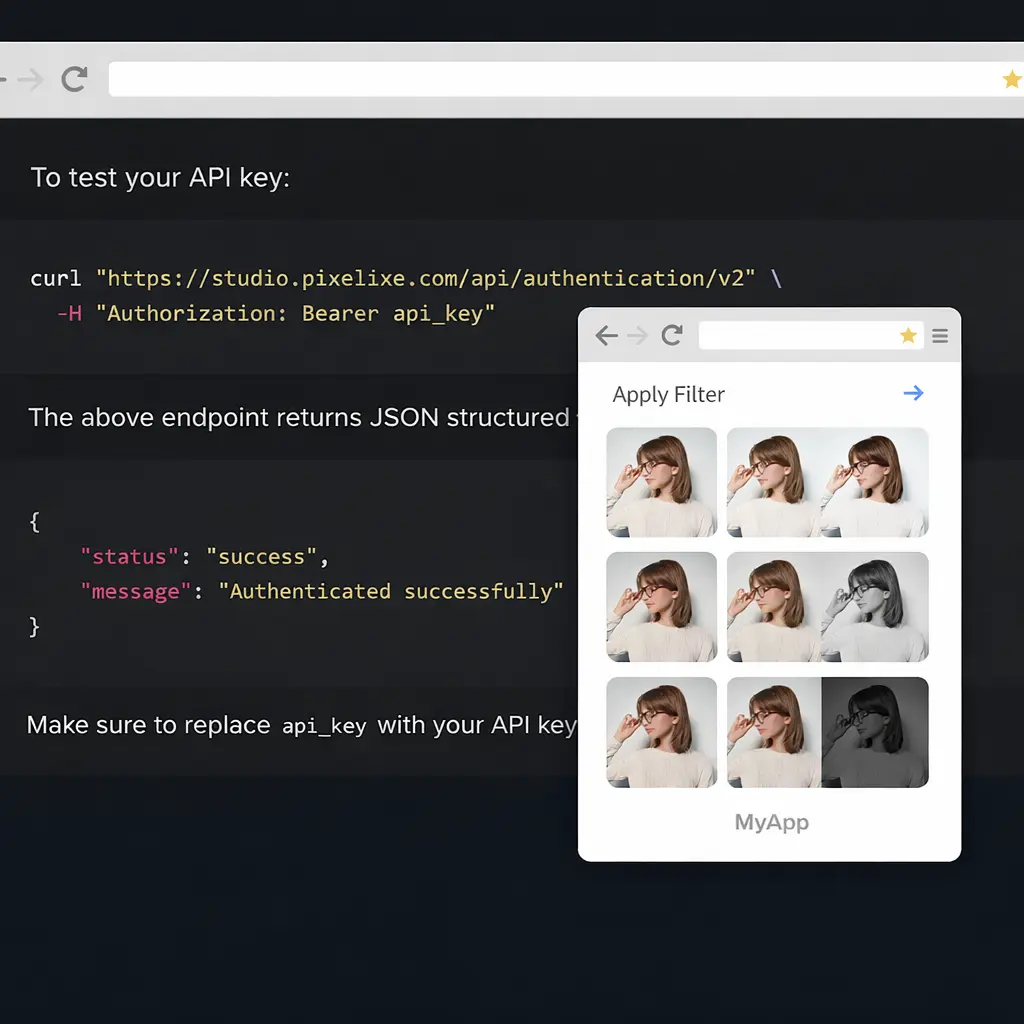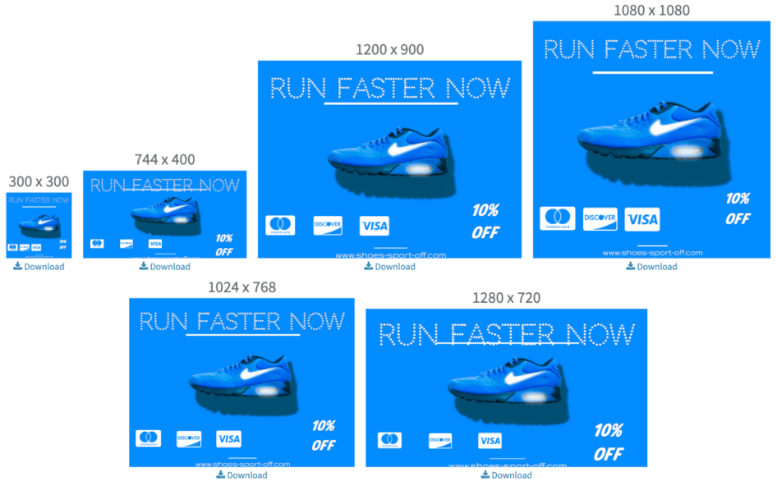
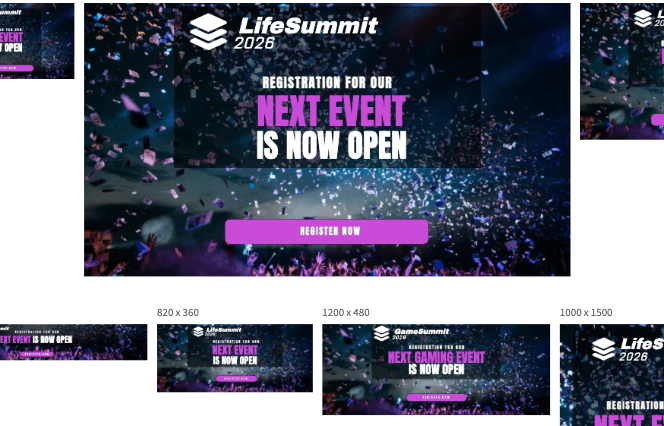
See banner generation in action

Update one input and preview how one reusable banner template can generate multiple formats for paid ads, social placements, and campaign variations.


1080 x 1080 px - Instagram
300 x 600 px - Ad Banner
1000 x 1500 px - Pinterest


Every text, color, image, and format in a banner template can be updated dynamically.


Banner generation at a glance


Clear positioning for buyers, operators, and search engines.


What it does

Pixelixe turns one approved banner design into a repeatable workflow that generates multiple campaign sizes, offers, and channel variants.

Who it is for

It fits marketing, performance, ecommerce, merchandising, lifecycle, and creative ops teams that need recurring banner production at scale.

Inputs

Use Studio templates, spreadsheet rows, JSON payloads, product data, campaign text, localized copy, and image URLs.

Outputs

Generate paid ad banners, social visuals, ecommerce promos, launch assets, and recurring campaign images across multiple formats.


How banner generation works
from one approved design system

Create one reusable banner template in Pixelixe Studio, then generate size variations, product offers, localized copy, and channel-specific assets from the same layout. This page is built for teams that need banner generation across paid ads, social, ecommerce, and campaign workflows.

Banner generation workflow from one template to multiple campaign formats


Generate banner sets for ads, social, and ecommerce
without rebuilding every format manually


Pixelixe template-based banner generation workflow
Reusable templates

Create one banner template for repeatable production

Design one approved banner in Pixelixe Studio, then reuse the same layout across future campaigns. Replace text, colors, image URLs, offers, or product data without redesigning the visual system every time.

Open Pixelixe Studio workflows ...
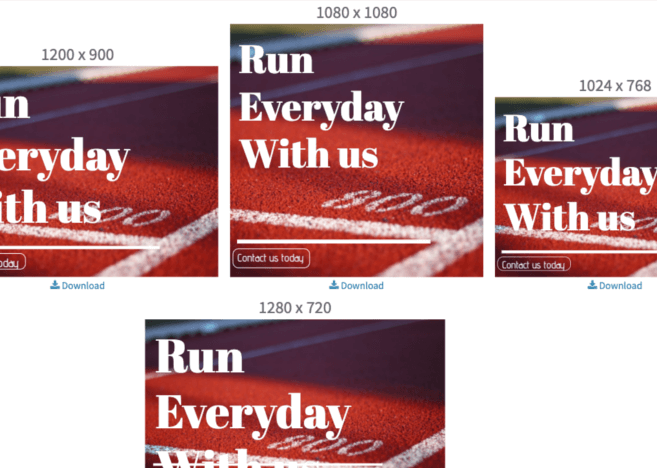
Multi-format banner generation across channels
Multi-format campaigns

Generate size variations for every channel

Use one banner logic across paid ads, social placements, lifecycle campaigns, marketplaces, and ecommerce promotions. Pixelixe helps teams adapt banner sets across formats while keeping the same brand system.

See campaign automation workflows ...
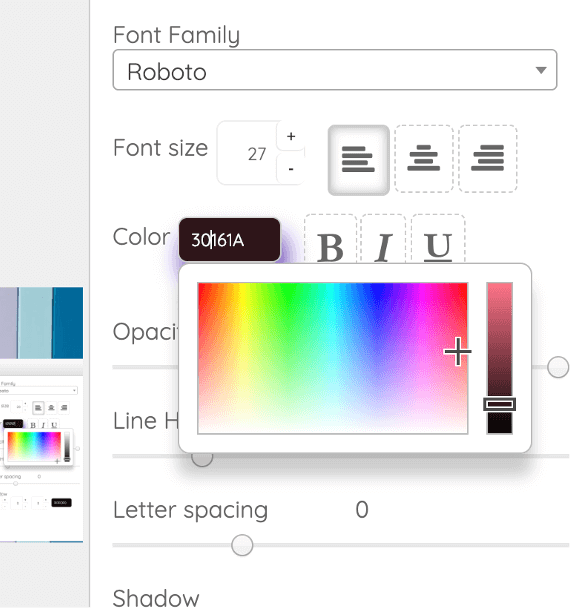
Pixelixe banner editor for final adjustments
Studio + automation

Edit once, then automate banner variations

Use the editor to fine-tune the layout, then automate banner generation from spreadsheets, product data, feeds, or APIs. Pixelixe supports both hands-on editing and repeatable production workflows.

Generate banners from spreadsheets ...

Common banner generation workflows

Use one template system across the banner jobs your team repeats most often.

Paid ad banner sets

Generate size families for launch and performance campaigns

Create one reusable banner layout, then produce multiple ad sizes and offer variants for Meta, Google Display, LinkedIn, and social placements.

Ecommerce and promo banners

Use product data, prices, and promos without rebuilding each banner

Generate merchandising visuals, store banners, seasonal promotions, and product-led assets from reusable templates and structured inputs.

Spreadsheet and API banner automation

Connect banner generation to recurring workflows

Use spreadsheet rows, feeds, or backend payloads to generate banner variations in bulk for recurring marketing, lifecycle, and product workflows.


Discover pricing


Explore related workflows


Jump to the next page in the banner generation cluster.


Generate images from spreadsheets

Use rows, CSV files, and structured feeds to produce banner and image variants in bulk.

Dynamic banner generation

See the developer workflow for template-first banner generation via API and structured payloads.

Marketing automation

Map banner generation to campaign launches, lifecycle messaging, and paid media workflows.

Image Generation API

Connect template-based rendering to backend systems, products, and recurring production pipelines.


Questions teams ask about banner generation


Short answers for buyers, operators, and search engines.


What is banner generation?

Banner generation is the process of creating multiple banner sizes, variants, and placements from one reusable template instead of redesigning each format manually.

Can Pixelixe generate banner sets from one template?

Yes. Pixelixe lets teams start from one approved layout, then generate multiple banner sizes, offers, languages, and channel-specific variants from the same template.

Can I automate banner generation with spreadsheets or APIs?

Yes. Pixelixe supports spreadsheet-based generation, Image Generation API workflows, and structured data inputs for recurring banner production.

When should teams use banner generation instead of manual design?

Use banner generation when campaigns need recurring sizes, localized variants, product updates, price changes, or multichannel assets that share one approved visual system.