Spring sale is live
Generated from the same campaign row.
Shop nowGenerate branded banners, ecommerce images, email visuals, and campaign variants from approved templates, Brand Kit rules, and structured data.

Pixelixe Image Generation API is for teams that already know the layout they want and need many reliable variants from data. Instead of asking AI to invent every asset, Pixelixe renders approved templates with changing text, product images, prices, dates, languages, and campaign fields.
| Generation scenario | Best Pixelixe page | Conversion intent |
|---|---|---|
| Dynamic ad banners and campaign variants | Dynamic Banner Generation | High: buyer needs a repeatable rendering workflow. |
| Product feed and ecommerce promos | Product Image Automation API | High: catalog and pricing data make manual design brittle. |
| Open Graph and social share images | Open Graph Image API | High: developers need route, CMS, and metadata examples. |
| Spreadsheet-driven bulk generation | Spreadsheet to image generator | Medium-high: operations teams can start without custom code. |
These Wave 1A landing pages split the high-intent searches around dynamic image APIs, Open Graph images, ad banners, and vendor alternatives.
See how one approved template system can absorb structured campaign data and produce channel-specific branded outputs.
Generated from the same campaign row.
Shop nowGenerated from the same campaign row.
Shop nowGenerated from the same campaign row.
Shop nowCreate the first layout in Pixelixe Studio, save it as an approved reusable template, apply Brand Kit rules, then render predictable banners, ecommerce visuals, email images, and campaign variants by sending backend, feed, or campaign data through the API.
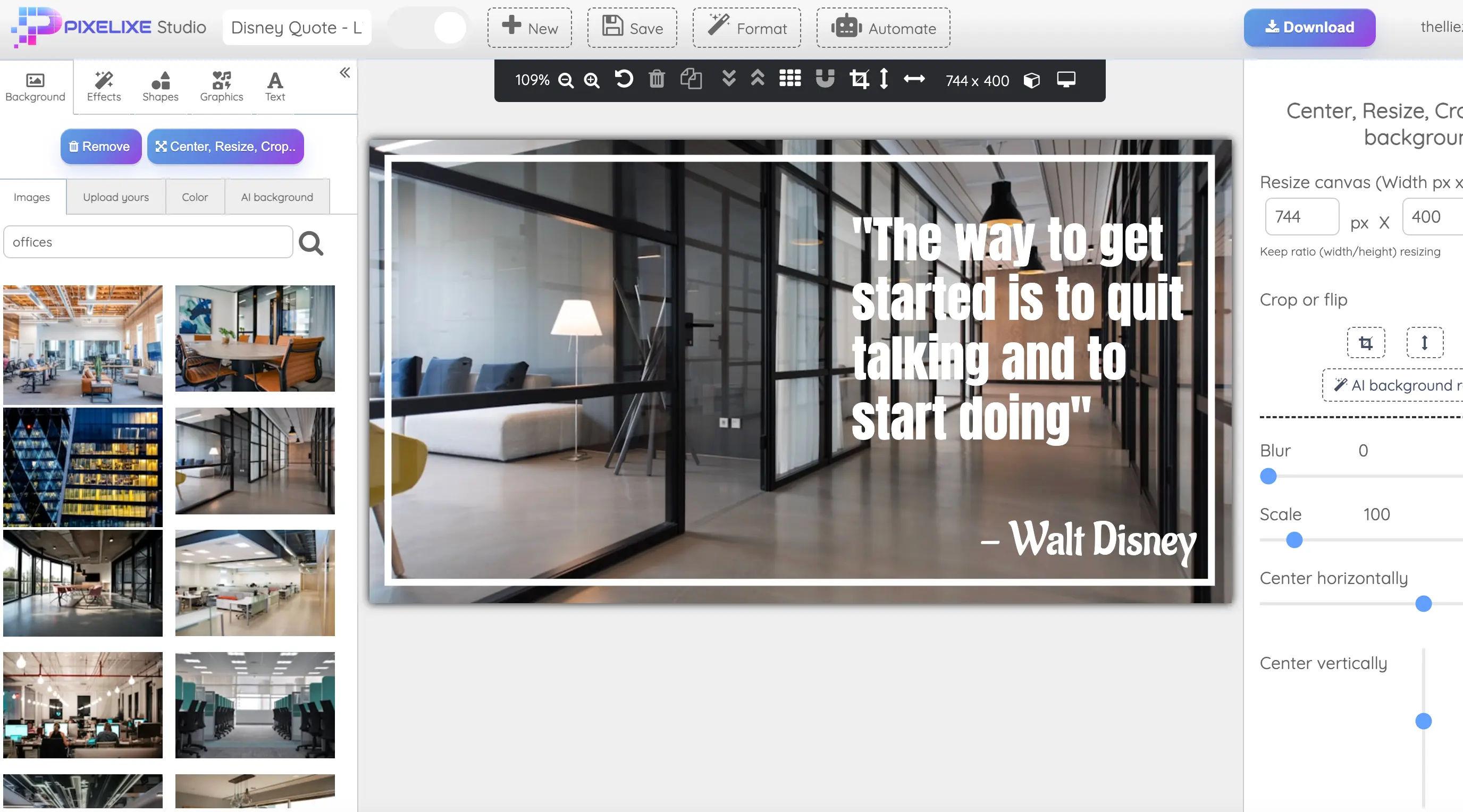
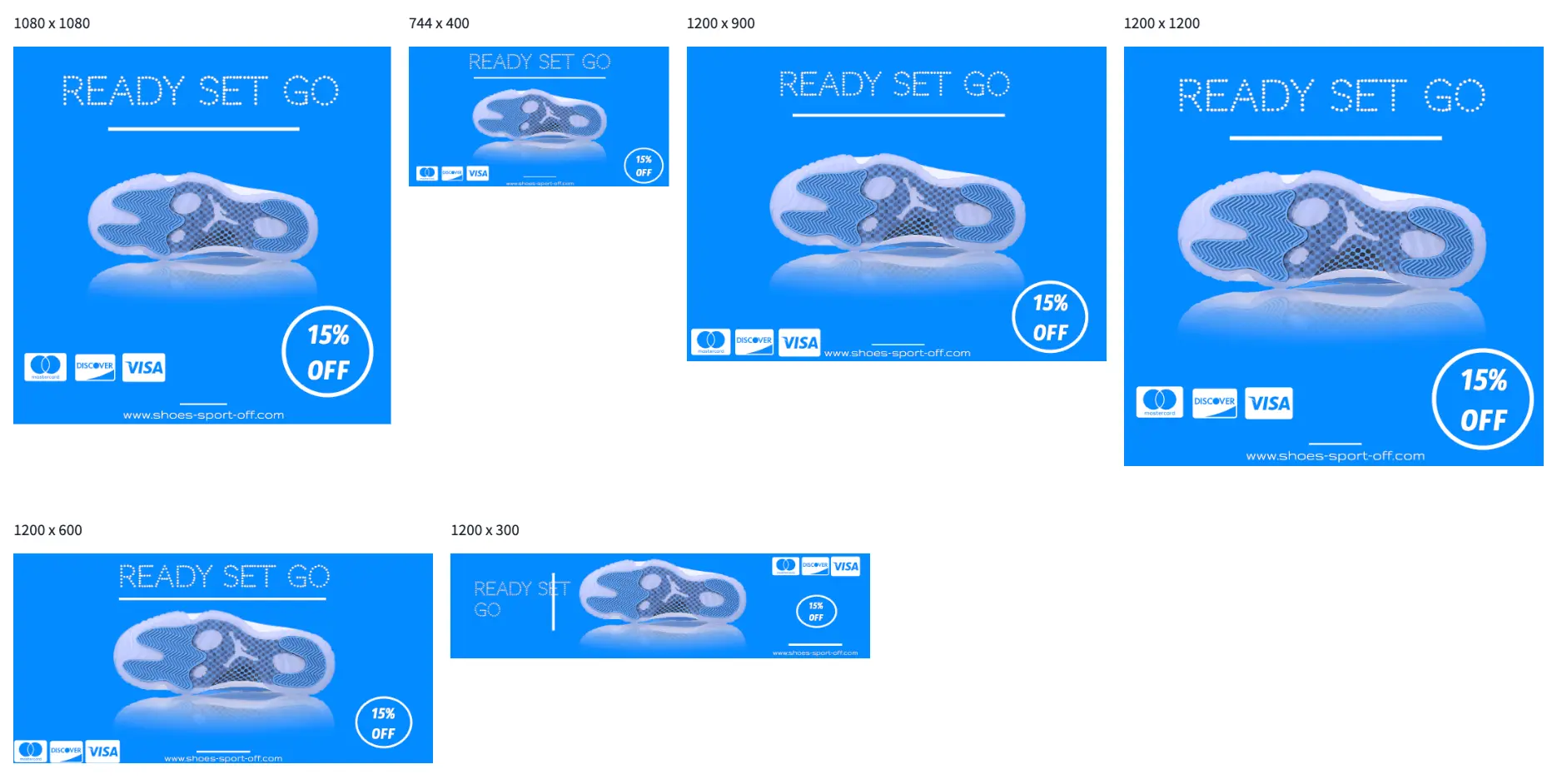
Pixelixe renders branded images from reusable templates and structured data for campaign, ecommerce, lifecycle, and multi-format workflows.
It fits developers, marketing systems, ecommerce platforms, internal tools, SaaS products, and AI workflows that need reliable image generation from approved templates.
Send template IDs, text, image URLs, colors, and data variables from spreadsheets, backend systems, direct API payloads, or AI workflows that already know which approved template to use.
Return PNG, JPEG, PDF, HTML, JSON, or base64 outputs depending on the render workflow and delivery format you need.
Use the Image Generation API when the layout is already approved and your product needs predictable renders from structured payloads. If your workflow still needs to create the first editable layout from JSON or agent output, start with the JSON to Graphic API instead. For the broader template rendering workflow across feeds, spreadsheets, and automation triggers, review the Image Automation API.
This landing explains template-based rendering. These pages cover the hub, the JSON path, dynamic banner use cases, and embedded editing.
See the full Pixelixe API platform for template creation, rendering, embedded editing, and processing.
Open the developer-facing rendering endpoint page when your workflow starts with code, direct payloads, or AI-generated data.
Generate one banner family from a single reusable template across campaign sizes and variants.
Generate product promos, price-drop creatives, collection banners, and merchandising visuals from catalog or feed data.
Generate per-page og:image cards for docs, blog posts, changelogs, and programmatic landing pages from one saved template.
Generate route-aware social preview images from Next.js content, metadata, CMS records, and programmatic pages.
Use n8n to trigger Pixelixe rendering from rows, webhooks, CRM records, product events, and CMS updates.
Generate product promo visuals from Shopify data, product images, prices, collections, and campaign fields.
Turn product feed rows, offers, prices, and market data into campaign-ready ecommerce visuals.
Generate email-ready banners from CRM segments, lifecycle context, offers, and campaign fields.
Generate product promo visuals from Shopify data, product images, prices, collections, and campaign fields.
Turn product feed rows, offers, prices, and market data into campaign-ready ecommerce visuals.
Generate email-ready banners from CRM segments, lifecycle context, offers, and campaign fields.
Generate personalized visuals for CRM, lifecycle, email, localization, and segment-based campaigns from one saved template.
Generate branded share images from CMS records, publishing events, docs releases, blog posts, and changelog entries from one saved template.
Keep logos, colors, fonts, templates, and reusable brand rules aligned while the API renders new variants at scale.
Short answers for developers and product teams evaluating template-based image generation.
Pixelixe can generate banners, ecommerce images, email visuals, campaign variants, and other branded assets from reusable templates and structured data.
Create the first layout in Pixelixe Studio, save it as a reusable template, align it with Brand Kit rules, then send new text, image URLs, colors, and variables through the API to render new variants.
Yes. Pixelixe can render images from JSON payloads, backend data, structured variables, and automation systems that map values to an approved saved template.
Use the API when your application, backend, or AI workflow needs direct render control. Use spreadsheet automation when operations teams want to generate images in bulk without coding every run.