Create quote images for Instagram, Pinterest, blogs, testimonials, newsletters, ecommerce campaigns, and branded social posts. Upload your photo, style the quote text, and export a polished visual directly from your browser.
Quote images are useful far beyond inspirational posts. Teams use them for testimonials, founder messages, educational carousels, ecommerce messaging, event teasers, blog promotion, and branded social visuals. Pixelixe lets you turn that idea into a clean graphic quickly, while keeping control over typography, spacing, colors, and the final export.
If you also need to add text to a photo, create a longer caption on an image, or build broader social media graphics, the same Studio workflow applies.
A strong quote image combines a short message with a visual context that helps people stop and read. It can be motivational, educational, testimonial-driven, promotional, or brand-led. The format works because it is easy to scan in a busy feed and easy to reuse across platforms when the design is simple and readable.
Whether you are posting on Instagram, publishing a branded pin on Pinterest, sharing a customer testimonial, or building a blog graphic, the same principles apply. Keep the quote concise, make the hierarchy obvious, and use a background that supports readability instead of competing with the text.
Here are a few practical rules for better quote graphics:
Start with your own picture, a product image, a lifestyle photo, or a simple branded background. A clean visual base makes the quote easier to read and gives the final image a more professional feel.
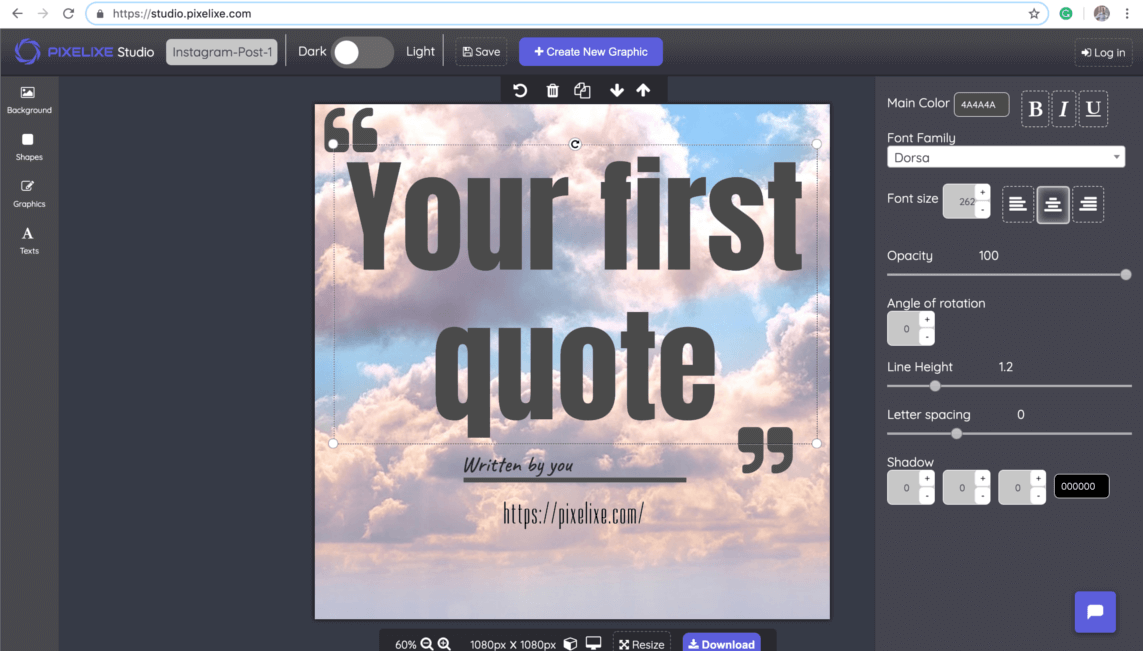
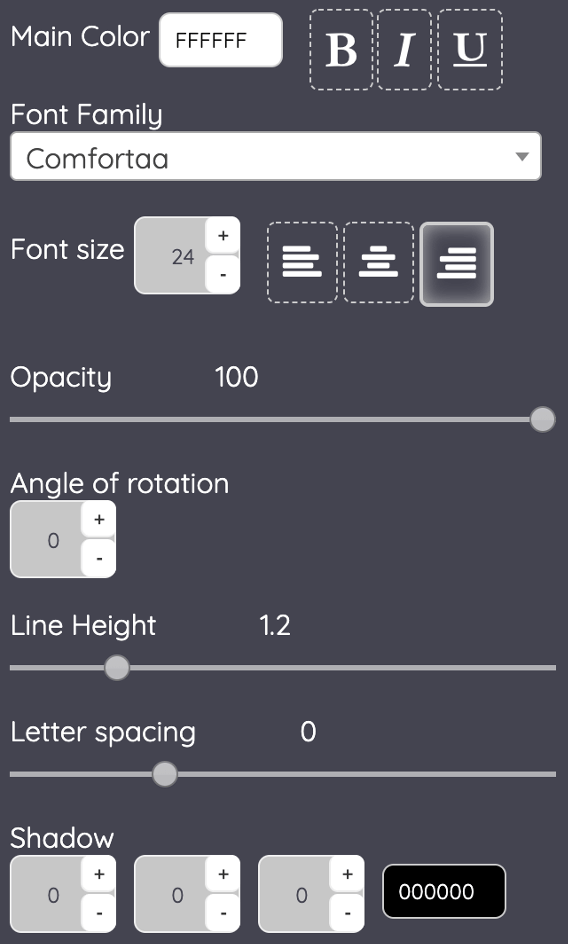
Add the text, choose a font, adjust size, line height, spacing, color, shadow, or overlay, and make sure the quote stays readable. This is where you turn a basic sentence into a branded quote graphic.
Export the final quote image and publish it on social media, add it to an article, or reuse the design as a template for recurring posts, testimonials, or campaign variations.
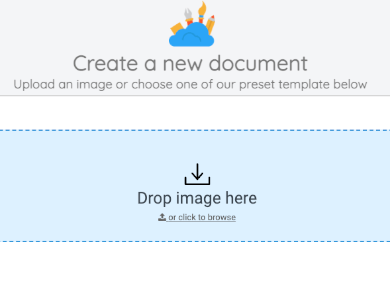
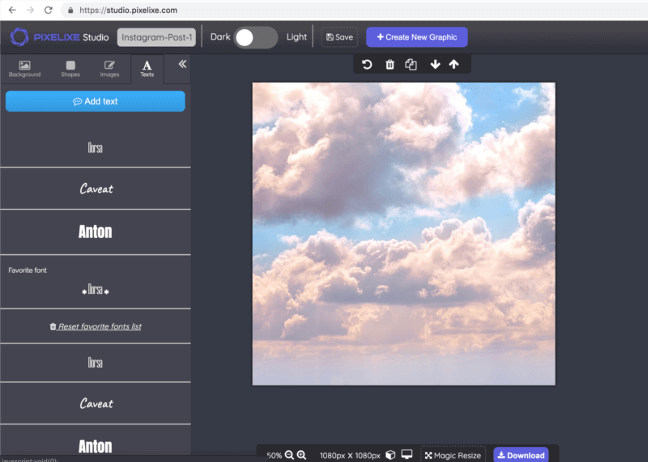
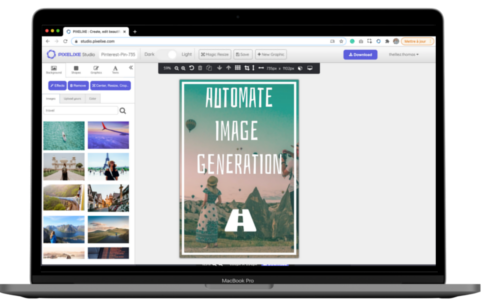
Open Pixelixe Studio and drop your photo into the editor, or start from a simple background if you want a more minimal quote card. You can change that visual anytime from the left-side background controls, so it is easy to test several images until the quote feels balanced and readable.
If you create quote graphics often, it is worth keeping a small library of reusable backgrounds that match your brand. That makes future quote designs faster and keeps the final posts more consistent.
Once your photo is in place, open the text controls and add a new text layer for the quote. Then edit the wording directly on the canvas and use the settings panel to tune font family, size, color, spacing, line height, opacity, and shadow.
For better results, keep the most important words easy to scan, avoid placing text on busy details of the image, and use overlays or color blocks when you need more contrast. You can also add the author name, your brand, or a short source line to make the graphic more complete.

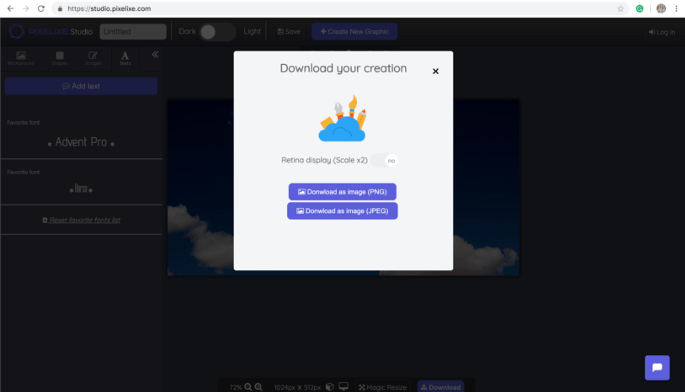
When the layout looks right, click the download button in the top-right corner of the editor and export the final image in a web-ready format. The file is generated instantly so you can publish it on social media, add it to a blog post, send it to a client, or keep it as a reusable template for the next design.
If quote images are part of a recurring content workflow, duplicate the design and only change the message, background, or branding. That is often the fastest way to build a consistent series instead of starting from zero every time.
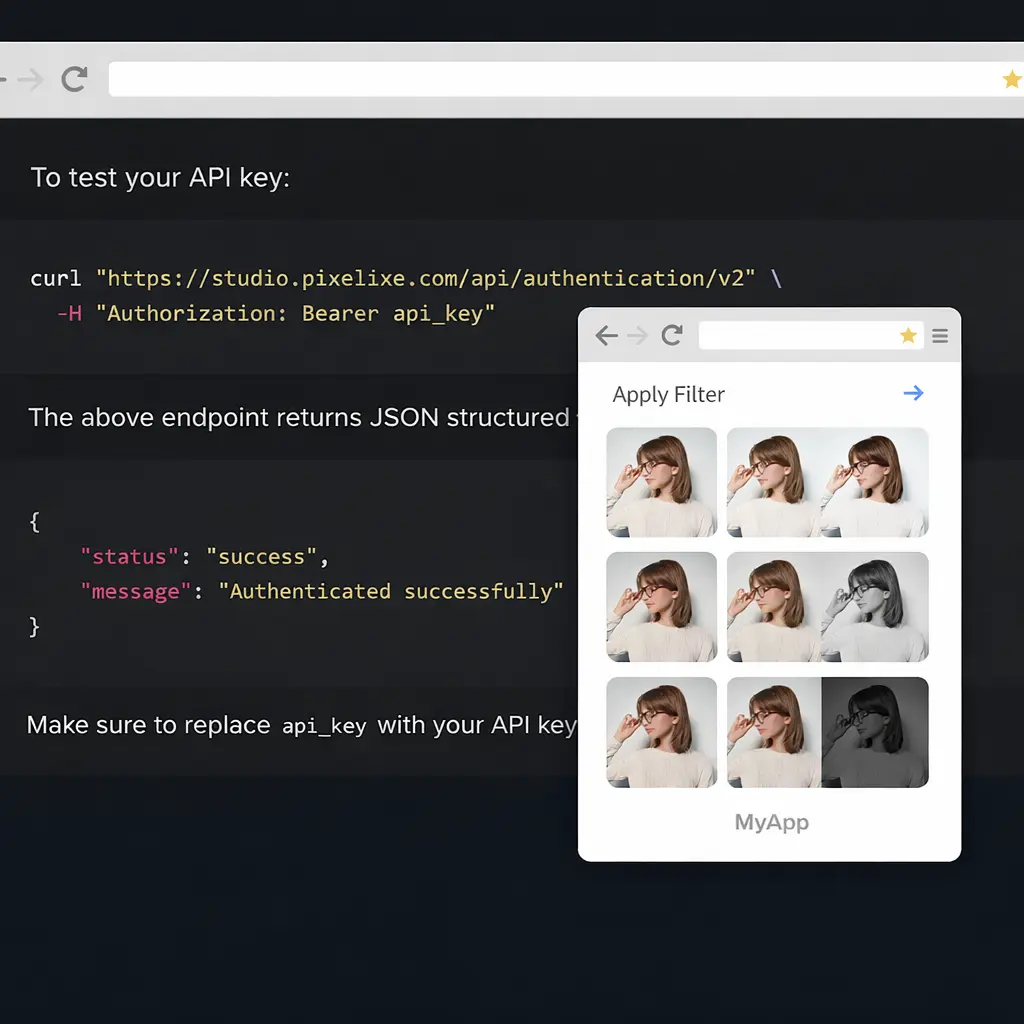
If you need to create many quote visuals from structured data, use Pixelixe templates with the Image Generation API. It is a practical way to generate recurring testimonials, campaign quotes, inspirational series, founder messages, or branded content variants without editing each graphic manually.
Open Pixelixe Studio, upload your image, add a text layer, style the quote, and download the final visual. The workflow is browser-based and made for quick editing.
Yes. Pixelixe gives you font styling, spacing, colors, alignment, and export tools directly in the browser, so you can create quote graphics without desktop software.
Quote pictures work well for Instagram posts, Pinterest graphics, blog illustrations, testimonials, founder messages, event promotion, ecommerce messaging, and branded marketing visuals.
Yes. Pixelixe also supports reusable templates and the Image Generation API when you need to generate many quote images from spreadsheets, feeds, or other structured inputs.
Start by creating one quote graphic in the browser, then move into templates, automation, and embedded editing when quote visuals become part of a broader content system.