Product basics
What Pixelixe is, how Studio works, what can be edited, and how templates fit into the workflow.
- Platform overview
- Browser-based editing
- Custom dimensions and assets
Find answers about Pixelixe Studio, reusable templates, creative automation, white-label editing, image generation APIs, exports, billing, and where to go next for product help.
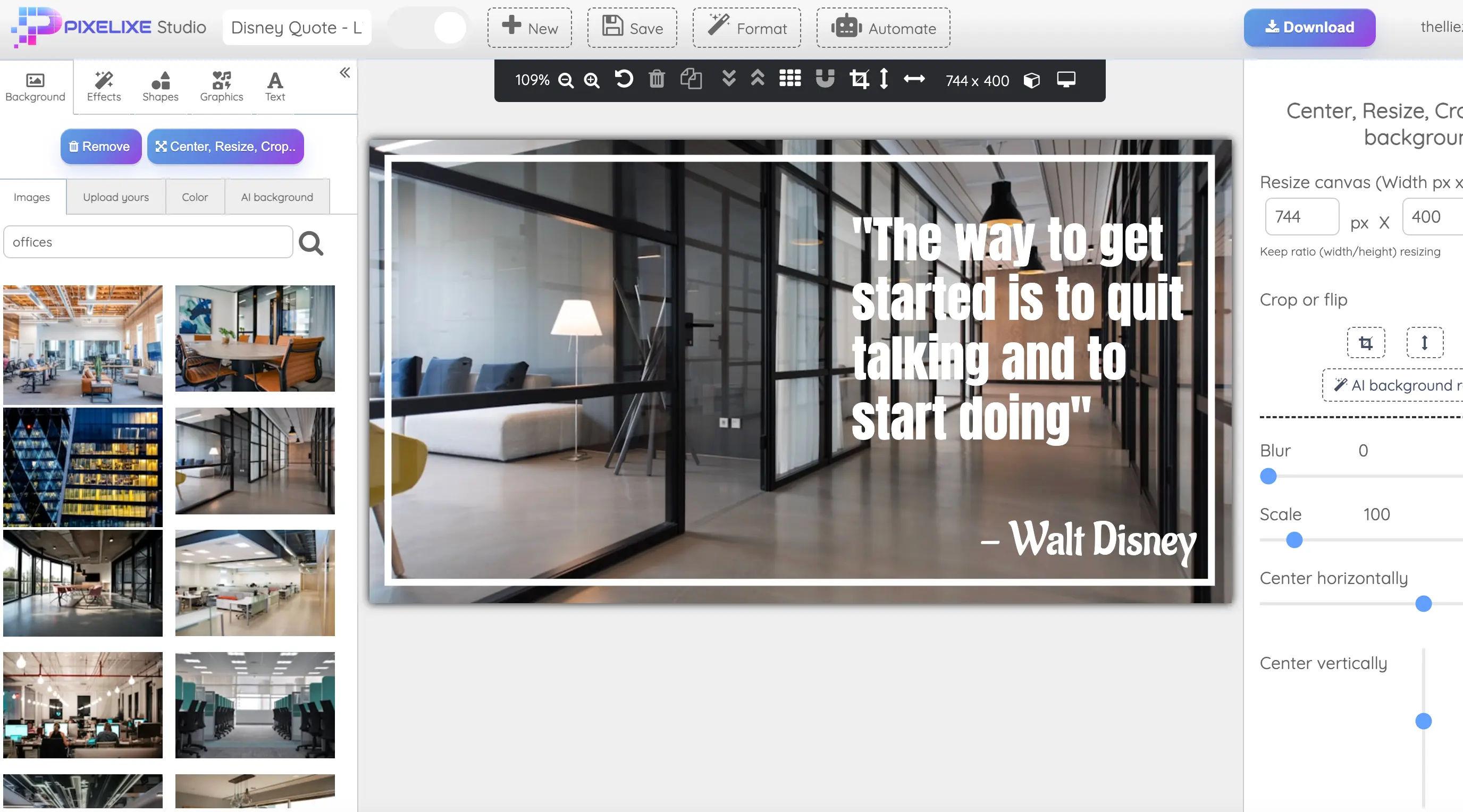
This page is designed to help buyers, operators, and developers understand what Pixelixe does, how it works, and where each product layer fits.
What Pixelixe is, how Studio works, what can be edited, and how templates fit into the workflow.
How Pixelixe connects templates to spreadsheets, APIs, dynamic banner generation, and product workflows.
Questions about trials, cancellation, product access, and how to evaluate Pixelixe before committing.
When you need deeper guidance, use the help center, API docs, or direct product pages tied to your workflow.
Pixelixe is a branded visual production platform that combines browser-based editing, reusable templates, creative automation, image generation APIs, and white-label editor workflows.
Pixelixe covers both. Teams can create and edit visuals in Pixelixe Studio, then reuse the same templates through spreadsheet workflows, APIs, dynamic banner generation, or white-label integrations.
No. Pixelixe runs in a modern web browser, so there is nothing to install locally to create, edit, or export graphics.
Yes. You can upload your own logos, photos, product images, and brand assets into Pixelixe Studio and keep your visuals aligned with your own design system.
Yes. Pixelixe supports popular presets, but you can also create custom image sizes when you need a specific banner, social, ecommerce, document, or product format.
Yes. Templates stay editable in the browser, and the same layout can be reused for campaigns, content calendars, localization, ecommerce promos, and recurring marketing production.
Yes. Pixelixe supports spreadsheet-driven generation, image generation APIs, JSON-based rendering, and dynamic banner workflows for teams that need repeatable visual output at scale.
Yes. Pixelixe offers a white-label editor and API workflows so companies can embed branded editing and visual generation inside a SaaS product, marketplace, or internal tool.
Depending on the workflow, Pixelixe can export or return PNG, JPEG, PDF, HTML, hosted image URLs, and other output formats used in design, marketing, and automation pipelines.
Teams can start with AI or templates, refine layouts in Pixelixe Studio, and then scale the same designs with spreadsheets, APIs, dynamic banner workflows, or white-label editing.
Yes. Pixelixe monthly plans can be canceled any time. Yearly plans are paid up front for the year, but there are no lock-in mechanics beyond the chosen billing term.
Yes. Pixelixe offers trial and test paths depending on the workflow, including direct access to the browser-based Studio and trial options for paid product layers.
You can use the Pixelixe Help Center for getting-started guidance and the API documentation for developer workflows, image generation, image editing, and white-label integrations.
If you are evaluating embedded editing, the white-label FAQ and integration page explain how Pixelixe fits inside SaaS, marketplaces, and internal tools.
If your workflow is more specific than a general FAQ answer, contact Pixelixe directly and we can point you to the right product layer or documentation path.