Image Crop Tool
Crop images online with exact framing and precise controls
Upload a photo, set the crop area, adjust width and height in pixels, switch to a circle crop when needed, and download the result in seconds. This is a simple online cropper for websites, ecommerce visuals, profile pictures, social media formats, and branded content.
Exact width and height
Circle crop option
Instant download
Keep the cropping workflow at the very top of the page, then scroll for the tutorial, use cases, Studio editing options, and API paths if you need more than one-off image edits.

Preview and crop settings
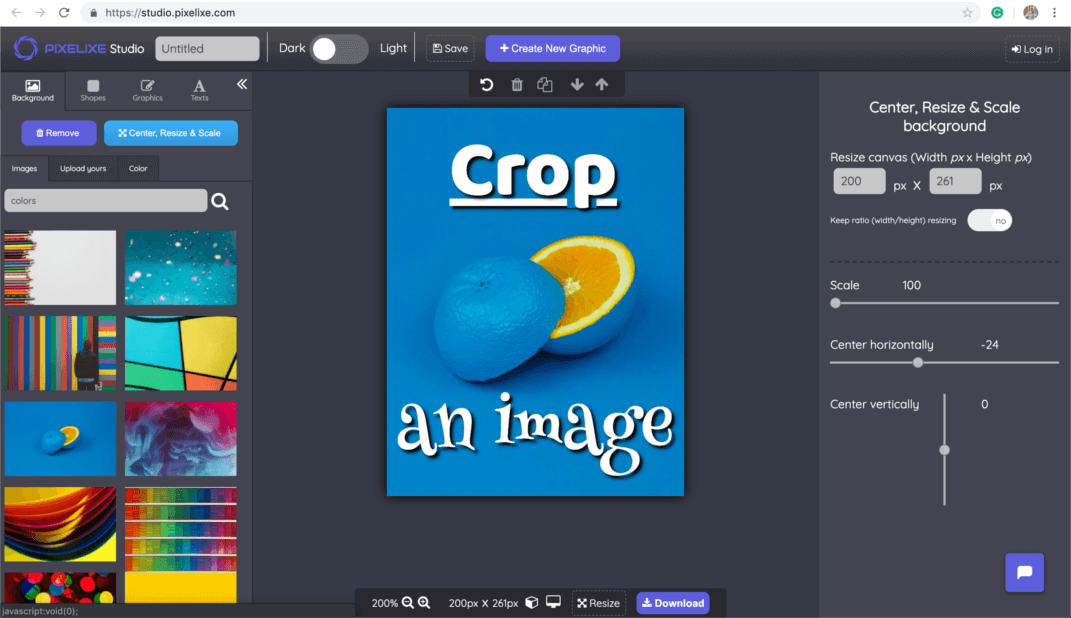
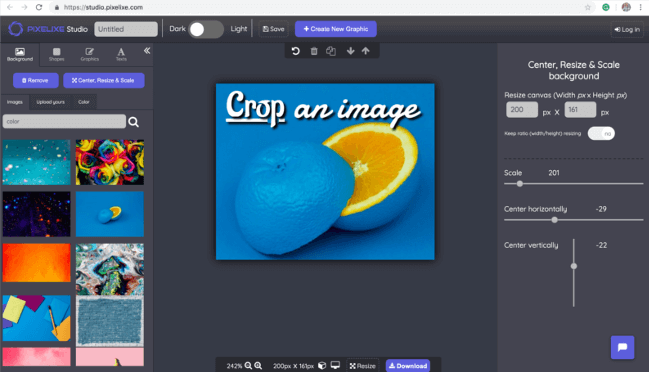
Move the crop area, check the live previews, and enter exact pixel values when you need a precise final size.
px
px
px
px
Great for profile images, avatars, and team headshots.
Useful for ecommerce product images, promos, and offer blocks.
Ready for websites, blog visuals, newsletters, and social posts.
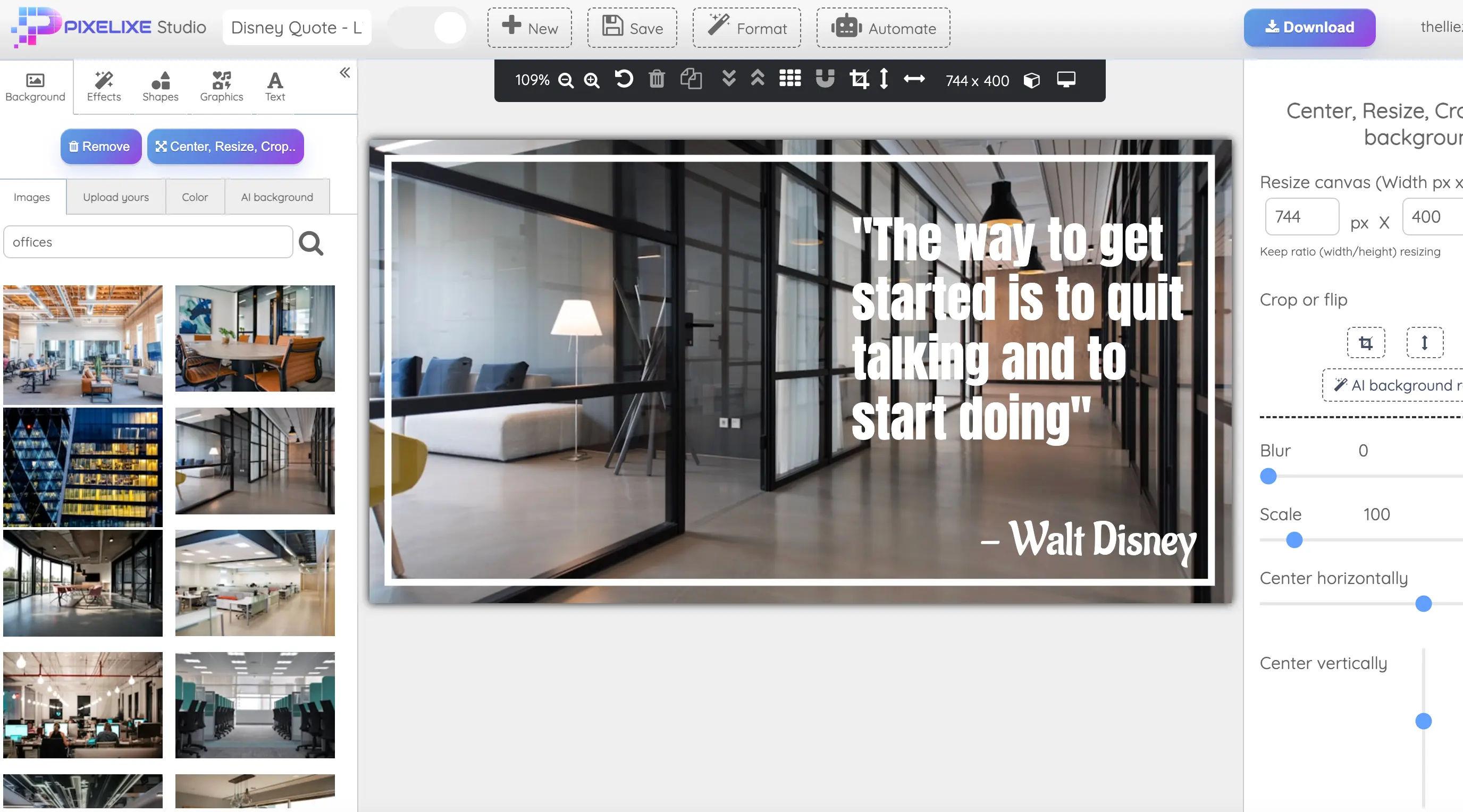
If you only need a fast crop, the tool above is enough. If you need to keep editing after the crop, scroll for Studio workflows, related tools, and API options.