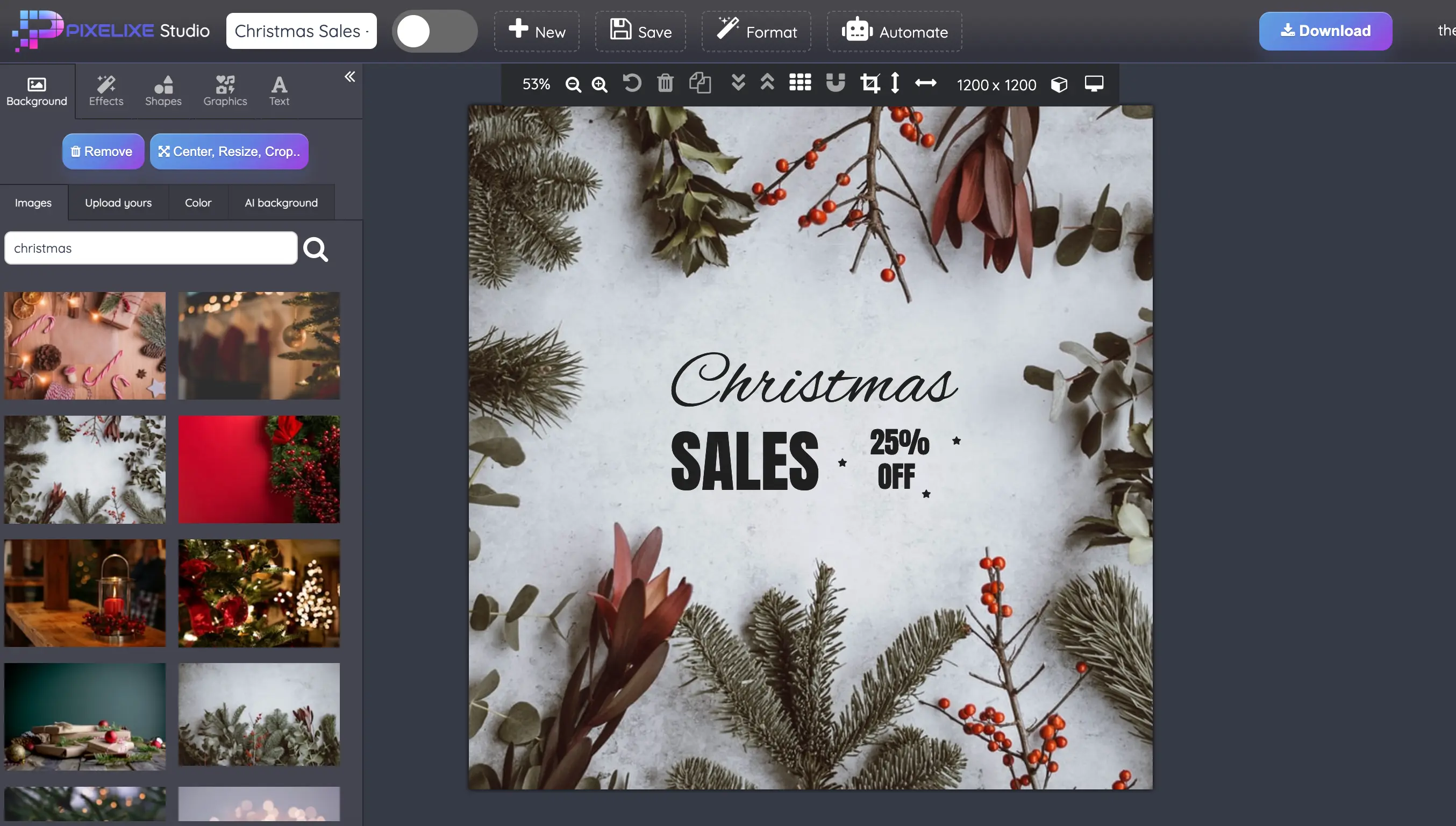




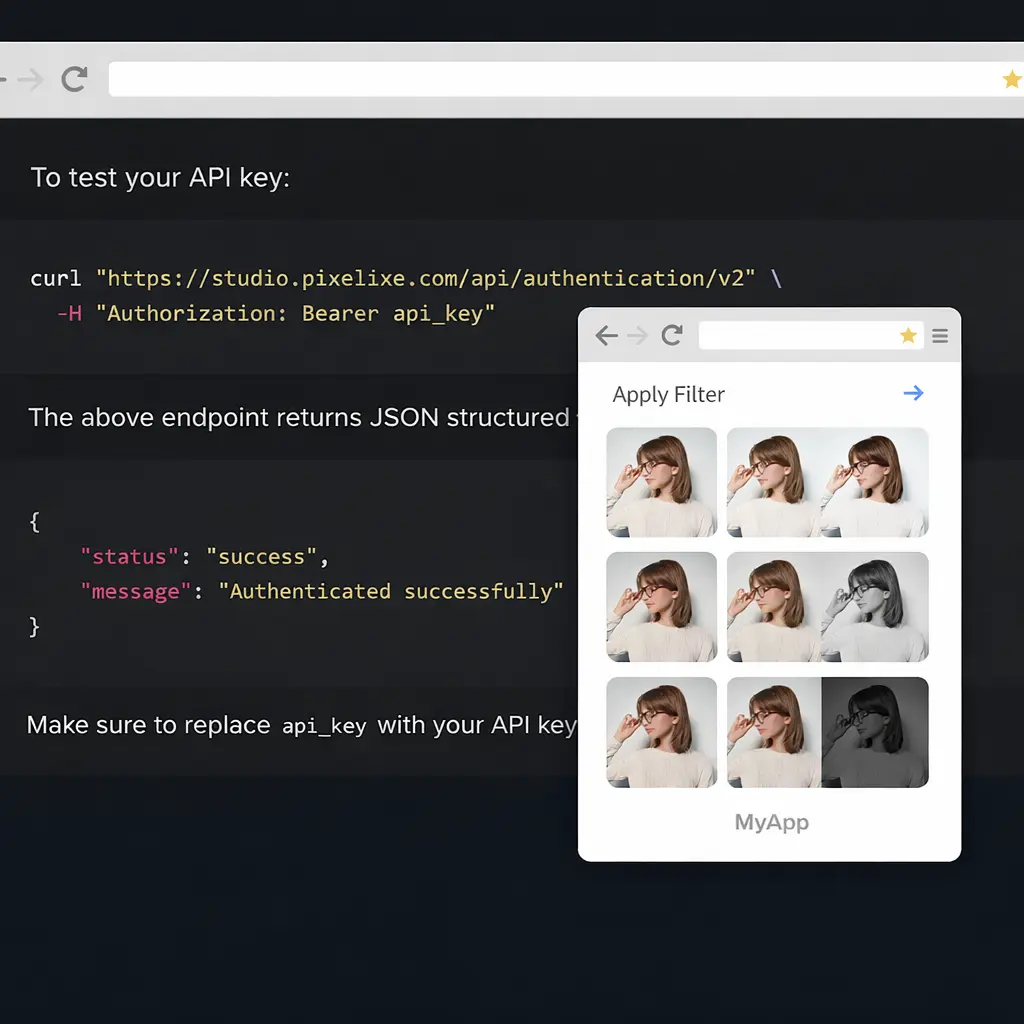
Image editing API at a glance


A concise summary for developers, product teams, search engines, and AI assistants.


What it does

Pixelixe transforms source images through API calls so teams can resize, crop, rotate, flip, compress, convert, blur, and overlay images without building their own processing stack.

Who it is for

It fits developers, ecommerce platforms, SaaS products, internal tools, CMS workflows, and marketing systems that need reliable image transformation.

Inputs

Send source image URLs plus transformation parameters such as width, height, crop mode, quality, rotation, overlay values, or effect settings.

Outputs

Return processed images in the required size, format, and quality for web apps, storefronts, campaigns, CMS assets, and user-facing workflows.


How the API works


Simple image transformation flow, without turning this page into full API documentation.


1

Get your API key

Start a Pixelixe trial or subscribe to the Automate plan to access the image processing endpoints and test them on your own images.

2

Send image transformations

Pass a source image URL and the parameters you want to apply, such as resize, crop, blur, rotate, format conversion, or overlays.

3

Return processed images

Consume the transformed image directly in your application, CMS, ecommerce workflow, or background job without manual editing steps.


Discover API documentation

Common image editing API operations

A few direct examples of the image transformation endpoints teams use most often.


Blur image API

GET https://studio.pixelixe.com/api/blur/v1?apiKey=YOUR_API_KEY&value=5&imageUrl=https://yoururl.com/image.png
Original

Original image before blur API transformation
Blurred

Blurred image returned by the Pixelixe blur API

Resize image API

GET https://studio.pixelixe.com/api/resize/v1?apiKey=YOUR_API_KEY&width=auto&height=200&imageUrl=https://yoururl.com/image.png
Original

Original image before resize API transformation
Resized

Resized image returned by the Pixelixe resize API

Sepia image API

GET https://studio.pixelixe.com/api/sepia/v1?apiKey=YOUR_API_KEY&imageUrl=https://yoururl.com/image.png
Original

Original image before sepia API transformation
Sepia

Sepia image returned by the Pixelixe sepia API

Use cases built for product teams


Ecommerce image pipelines

Resize, crop, watermark, compress, and convert product images for storefronts, marketplaces, feeds, and merchandising workflows.

Marketing and lifecycle assets

Transform hero images, social assets, campaign visuals, and CRM graphics without sending every change back to a designer.

SaaS and internal tools

Add server-side image transformation to dashboards, CMS tools, admin panels, or customer-facing products without building an in-house image stack.

User content and publishing flows

Standardize uploaded images, apply overlays or effects, and return ready-to-publish assets for web, mobile, or partner distribution.

Pixelixe developer platform for image generation, image editing, and embedded editing
PIXELIXE For developers

Need more than image processing?

Use the Image Editing API when your backend needs direct image transformations. Use the white-label editor when end users need to edit images inside your product. Use the Image Generation API when you need template-based rendering at scale.


30 Million

Designs Created

+100 Million

Auto-Generated Images

Explore related workflows

This page covers direct image transformation. These pages cover the broader platform, template rendering, embedded editing, and filter-specific workflows.


API hub

See the full Pixelixe API platform for image generation, image processing, JSON rendering, and embedded editing.

Image Generation API

Use template-based rendering when you need to generate branded banners, ecommerce images, and campaign variants at scale.

White-label editor

Embed customer-facing editing into your product when users need more control than direct API transformations.

Photo Filter API

Go deeper into preset-based effects and filter workflows when your product needs stylized image transformations.

FAQ

Short answers for developers and product teams evaluating image processing workflows.


What can I do with the Pixelixe Image Editing API?

Pixelixe lets developers resize, crop, rotate, flip, convert, compress, blur, filter, and overlay images through simple API calls.

Can I resize, crop, rotate, and compress images through the API?

Yes. The API supports common image processing operations such as resize, crop, rotate, flip, blur, quality adjustment, and format conversion.

Can I add text, logos, and overlays to images?

Yes. Pixelixe can add text overlays, logos, watermarks, and other composited elements to source images as part of the transformation workflow.

When should I use the Image Editing API instead of the white-label editor?

Use the Image Editing API when your backend, app, or automation workflow needs direct programmatic image transformation. Use the white-label editor when end users need to edit images themselves inside your product.

Read API docs
Start a 10-day trial


Ready to add image processing to your product?

Start with one API key, send source image URLs and transformations, and let Pixelixe return processed images for your app, ecommerce workflow, CMS, or automation pipeline. Automate starts at $59/month.


Start a 10-day trial
See pricing