Use one customer template and the same variable text and images when comparing the editing experience.
Editor and image API comparison
Pixelixe vs Templated for editing and image automation
Both products combine visual templates, automated rendering and an editor you can embed. Compare the complete customer journey and recurring production workload rather than assuming an embedded editor is unique to either vendor.
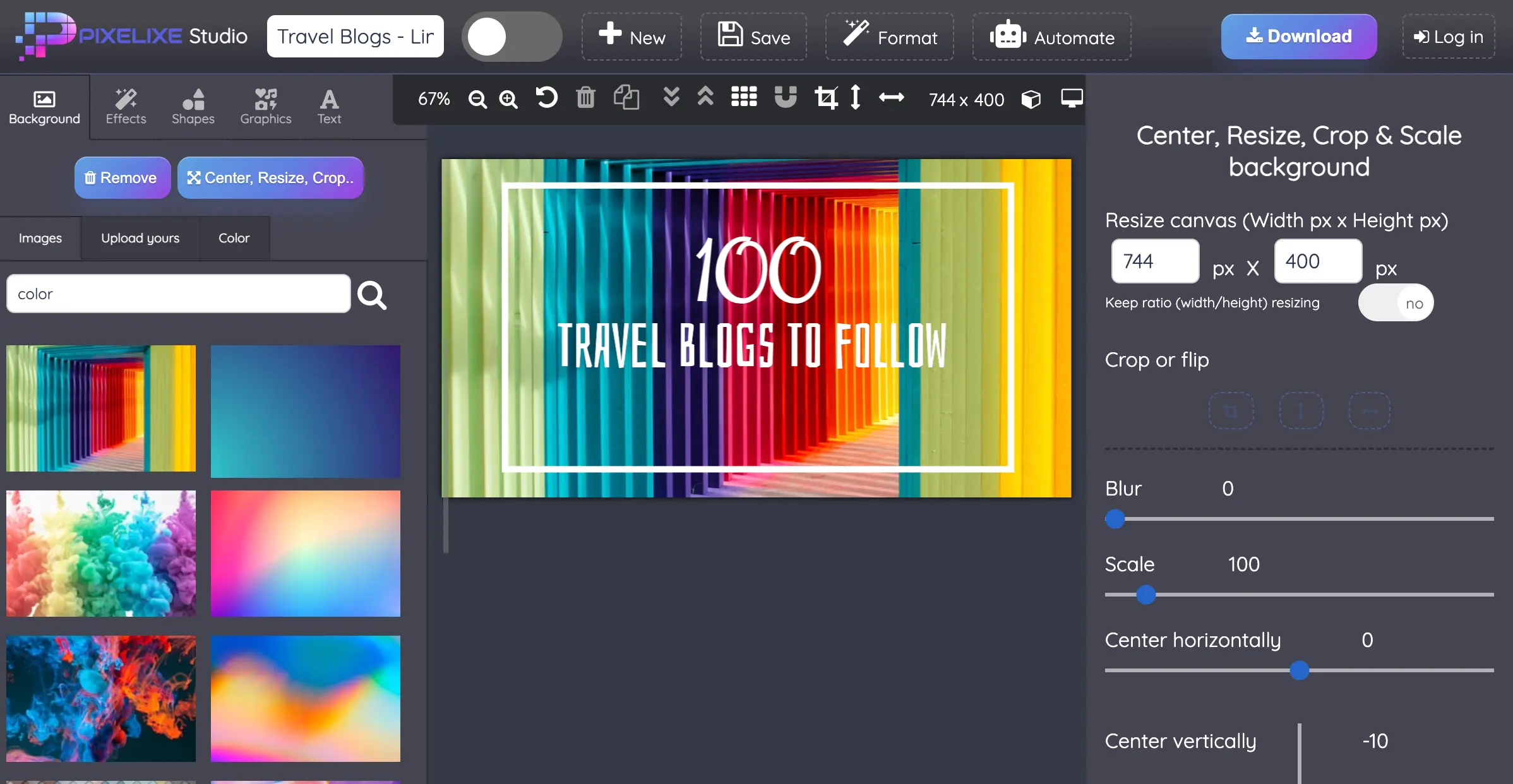
From editable design to reusable production
Evaluate template editing, saved customer documents and the API workflow that generates the next set of assets.
Compare two complete workflows
Evaluate Pixelixe when you want its hosted editor, saved documents, editable HTML and Design Set batch workflow. Evaluate Templated against the same requirements: it also documents an embedded editor, webhooks and API automation. Choose after testing the formats, document lifecycle and commercial terms your application needs.
Verify what your application receives on save and how it reopens the customer's editable design.
Estimate the cost of your actual monthly workload and the plan required for the embedded editor.
Pixelixe and Templated workflow comparison
The overlap is real. These documented capabilities are a starting point for a product-specific test.
| Requirement | Pixelixe | Templated |
|---|---|---|
| Embedded editor | Hosted iframe editor configured from Pixelixe. | Hosted editor embedded in your app. |
| Template automation | Saved documents become reusable rendering templates. | Templates drive image and document rendering. |
| Save and delivery | Document IDs and image/HTML URLs in the editor webhook contract. | Webhooks for editor actions, including saves and downloads. |
| Multi-size campaign | Design Set bulk endpoint returns a result per format. | Review the documented template and render workflow for your required sizes. |
| Required media | Evaluate image, editable HTML and PDF workflows. | Also advertises video generation; validate the relevant plan. |
| Subscription choice | Review editor access, throughput and other plan limits. | Check editor availability and credits on current pricing. |
Use your product journey as the test
The best fit is the one that completes your real workflow with acceptable integration and operating effort.
Evaluate
Customer personalization
Have a customer open a branded template, change text and an image, then save it to the correct account. Review the resulting files and the return to your app.
Evaluate
A design that stays editable
Exporting a bitmap is different from keeping a design editable. Check the saved identifier or editable document and reopen it after a new session.
Evaluate
Campaigns in several sizes
Use one campaign with the sizes you actually publish. Evaluate how fields map across templates and what your backend does if one format fails.
Evaluate
A sustainable usage plan
Estimate recurring volume, editor access, fonts, storage and support. Compare the plan you need rather than only the smallest advertised subscription.
A practical comparison sequence
Keep the customer task and acceptance criteria identical in both evaluations.
Step 1
Choose one customer task
Use a campaign card or product promotion that your customers already create. Define the editable fields, required output and return path before comparing tools.
Step 2
Implement the same journey
Open a template, change text and imagery, save the result and return the user to your application. Evaluate the finished journey rather than only the canvas.
Step 3
Reopen the saved design
Verify that the same customer can continue editing the saved document. Check the document identifier and the separation between a template and a customer copy.
Step 4
Review production ownership
Compare hosting, update responsibility, usage limits, export requirements and support with the people who will operate the integration.
What to measure in your trial
Record observed results in your own environment before making a vendor decision.
| Trial task | Acceptance criterion |
|---|---|
| Open the template | The intended customer sees the right starting design and editable controls. |
| Save and return | Your backend receives a usable identifier and output, and the user can continue their task. |
| Reopen later | The correct customer copy opens with editable content intact. |
| Generate variants | Data changes produce the required formats and the backend handles failures explicitly. |
| Project monthly usage | The selected plan covers the required editor and render workload. |
Plan a migration around the saved document
Start a migration by listing templates, editable fields, fonts and image sources. Then map how the application identifies the customer copy, retrieves the latest version and routes exports. A working render does not prove that historical designs can be reopened in the new system.
Pixelixe's implementation guides below separate the React embed, the save/reopen loop and the multi-format endpoint. Use them to estimate your integration. If you need capabilities outside the shared image-editing scope, include them explicitly in the vendor trial instead of assuming parity.
Sources and scope
Published by Pixelixe. Product descriptions were checked against the linked official sources on 20 October 2026. The recommendations compare architecture and workflow fit; they are not independent speed or quality benchmarks. Confirm current commercial terms with each vendor.
Related Pixelixe workflows
Use these connected pages to evaluate the implementation path, adjacent use cases, and Pixelixe product fit.
FAQ
Is Pixelixe a Templated alternative?
Yes, for teams evaluating template-based image generation and embedded editing. Compare the complete workflow, supported formats and current plan requirements.
Does Templated have an embedded editor?
Yes. Its official product page documents an embedded editor with branding, permissions, webhooks and API automation. Embedded editing alone is not a unique Pixelixe differentiator.
What should I compare first?
Start with opening, saving and reopening the same customer template. Then evaluate your recurring rendering workload and output requirements.
Can I reuse existing templates without changes?
Do not assume automatic template or document portability. Inventory your layouts, editable fields and assets, and test a representative migration.
How should I compare pricing?
Compare current plans for the same editor access and expected monthly production. Different quotas, media types and billing terms can make headline prices misleading.
Compare with one real customer design
Start in the Pixelixe demo, then validate saved designs and recurring renders with the workflow your product needs.