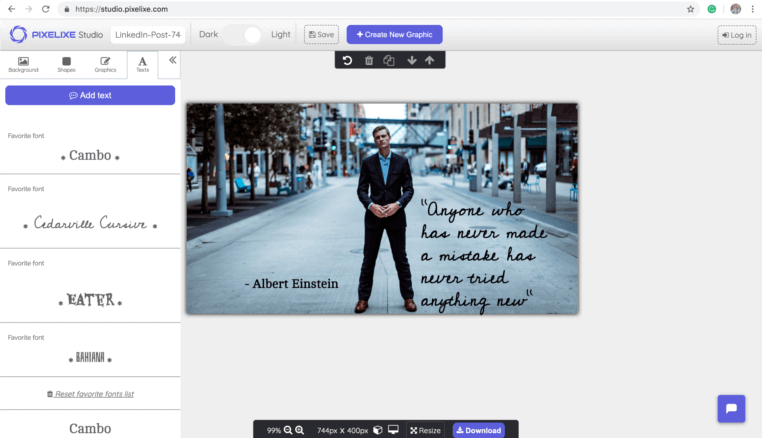
Direct answer: changelog cards should be generated from release metadata
SaaS changelog social card automation works when each release entry has structured fields such as title, version, feature category, screenshot, summary, CTA, and publish URL. Pixelixe turns those fields into branded launch images for social sharing, docs pages, newsletters, and product update workflows.
Use a reusable template so every product update looks consistent without slowing down release communication.
Use changelog metadata as the source of truth for title, category, screenshot, version, CTA, and URL.
Use Pixelixe to generate images when entries are published, approved, localized, or queued for social distribution.
Changelog social card automation map
This use case is AI-resistant because teams need a concrete workflow, brand output, and integration path.
| Release input | Pixelixe template layer | Business result |
|---|
| Feature title | Headline | A clear release card that communicates the update immediately. |
|---|
| Version or product area | Badge or label | Easier scanning across launch, bug fix, integration, and improvement updates. |
|---|
| Screenshot or product image | Image layer | More credible social previews than text-only changelog announcements. |
|---|
| Summary and CTA | Subheadline and button | A stronger path from social card to docs, changelog, trial, or feature page. |
|---|
| Locale or segment | Variant fields | Localized or audience-specific cards without rebuilding the design. |
|---|
Changelog entry to Pixelixe payload
Use this payload shape from a CMS publish hook, changelog tool, docs build, backend job, or automation platform.
API request
POST https://studio.pixelixe.com/api/graphic/automation/v2
Content-Type: application/json

{
  "document_uid": "saas_changelog_card_template_uid",
  "api_key": "YOUR_API_KEY",
  "format": "json",
  "image_type": "png",
  "modifications": [
    { "element_name": "headline", "type": "text", "text": "{{release.title}}" },
    { "element_name": "badge", "type": "text", "text": "{{release.category}}" },
    { "element_name": "screenshot", "type": "image", "image_url": "{{release.screenshot_url}}" },
    { "element_name": "cta", "type": "text", "text": "Read the changelog" }
  ]
}
Generated output
{
  "status": "success",
  "image_url": "https://studio.pixelixe.com/storage/file/.../release-social-card.png"
}
Attach the generated image URL to the changelog entry, Open Graph metadata, social queue, launch email, or docs update workflow.
SaaS teams that benefit most
The strongest fit is a recurring release process where updates need consistent visual communication.
Product marketing
Create launch cards, release highlights, roadmap visuals, and feature announcement images from approved copy.
Docs and developer relations
Generate social images for docs updates, API changes, integration releases, and changelog posts.
Customer success
Turn important product updates into visuals for onboarding, education, and account communication.
Growth and lifecycle teams
Reuse release visuals across newsletters, LinkedIn posts, product-led campaigns, and retention workflows.
Release visual automation workflow
Use one approved template, then let each release entry supply the changing fields.
Define release fields
Track title, category, version, screenshot, summary, CTA, URL, locale, and publish status.
Create the card template
Design a reusable social card layout with stable named layers and brand rules.
Trigger rendering
Generate the image when the changelog entry is approved, published, localized, or queued.
Distribute the card
Use the image URL in Open Graph metadata, LinkedIn posts, newsletters, docs pages, and product updates.
Related Pixelixe workflows
Use these connected pages to evaluate the implementation path, adjacent use cases, and Pixelixe product fit.