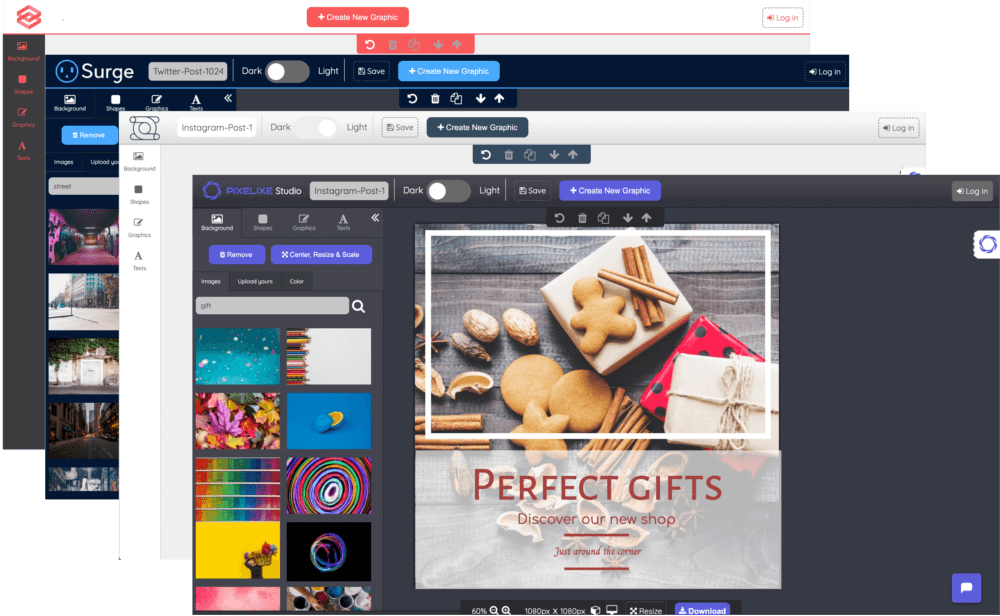

Image automation + embedded editing

Automate branded images from templates and data.

Create a template once. Generate on-brand variations through spreadsheets or APIs, or embed Pixelixe's editor in your app.

10-day free trialNo credit card required

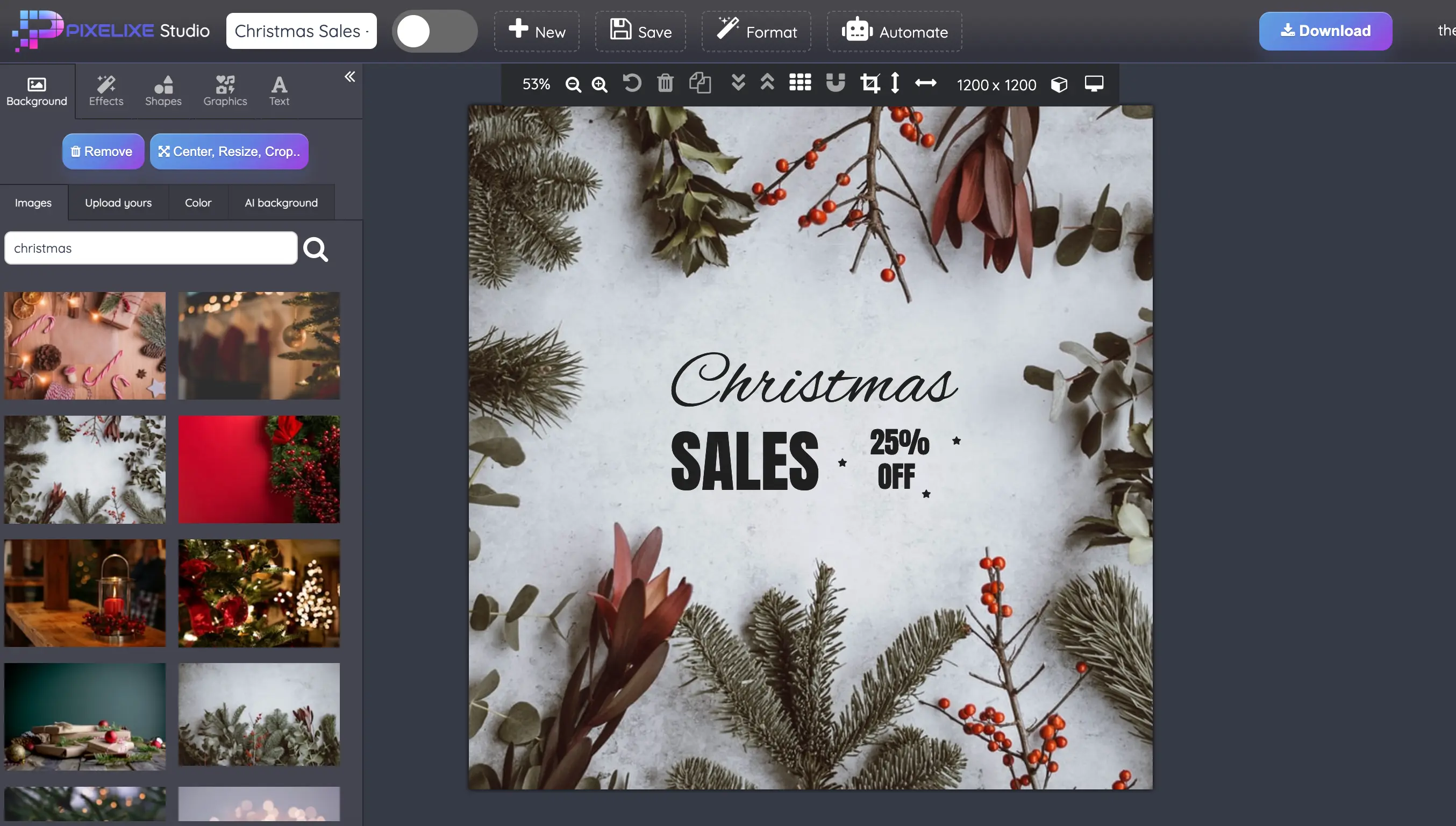
Pixelixe Studio editing a branded campaign template
Studio + Brand Kit + Automation

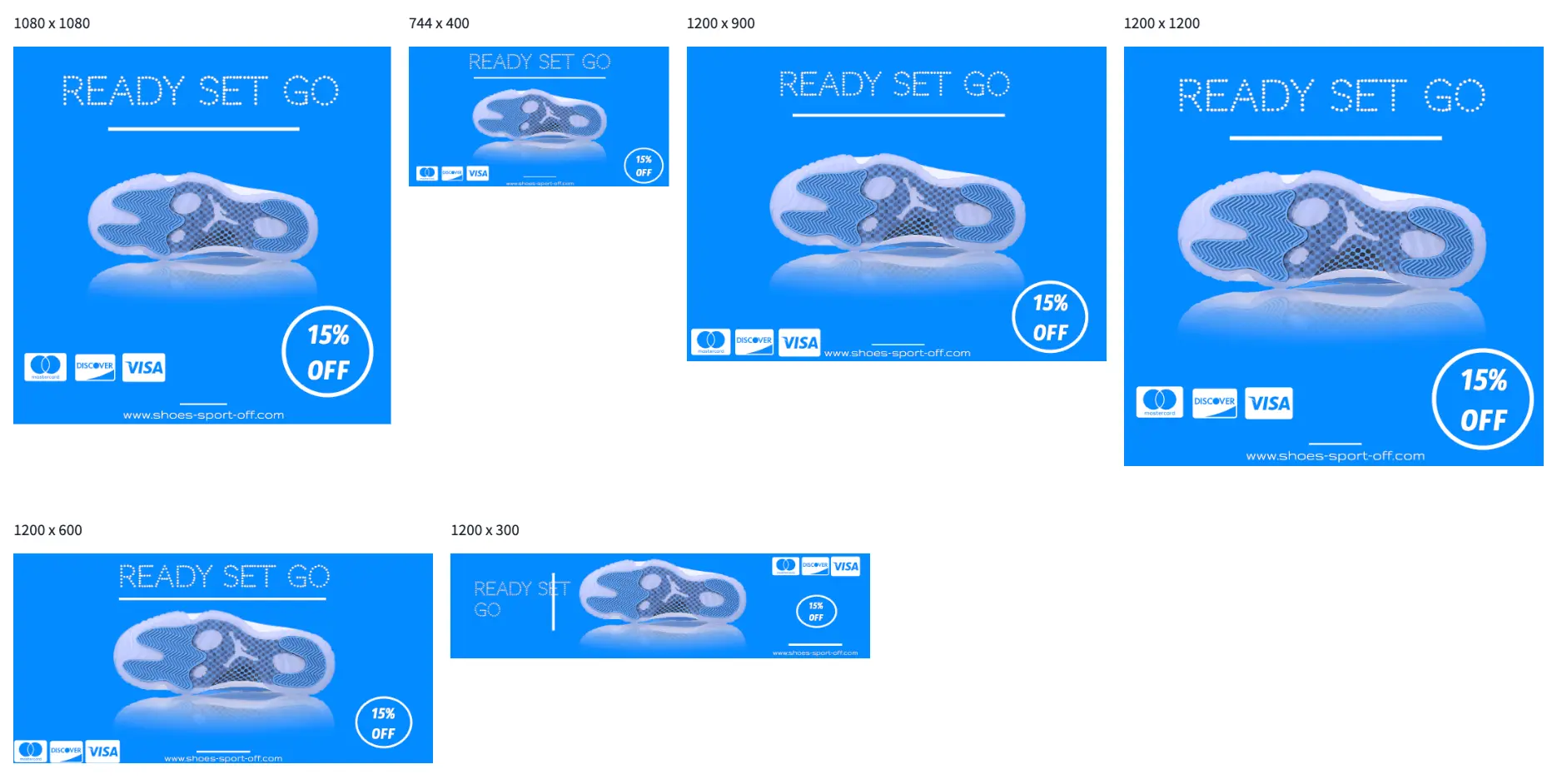
One template. Every campaign format.

Edit the design in Studio, save your layouts, then reuse them for the next product, offer or campaign.

Used by teams at

Honeywell IKEA Dispatch Qualcomm CodeSignal

One update. Three campaign visuals.

Change the headline and see the same campaign update across three saved layouts. No account needed.

Instagram post · 1080 × 1080
Display ad · 300 × 600

Pinterest pin · 1000 × 1500

Bring your own templates and data to automate text, images, prices and brand colors.

Two ways to put Pixelixe to work

Pixelixe is a visual automation platform that combines editable templates, Brand Kit, image generation APIs and a white-label editor. Teams design reusable layouts in Studio, then generate branded variations from data or let customers edit approved templates inside an application.

From one layout to repeatable production

Step 1
Editing a reusable design in Pixelixe Studio

Create your template

Start in Studio, refine the layout and apply your logos, fonts and colors. Save the design your team wants to reuse.

Explore Studio
Step 2
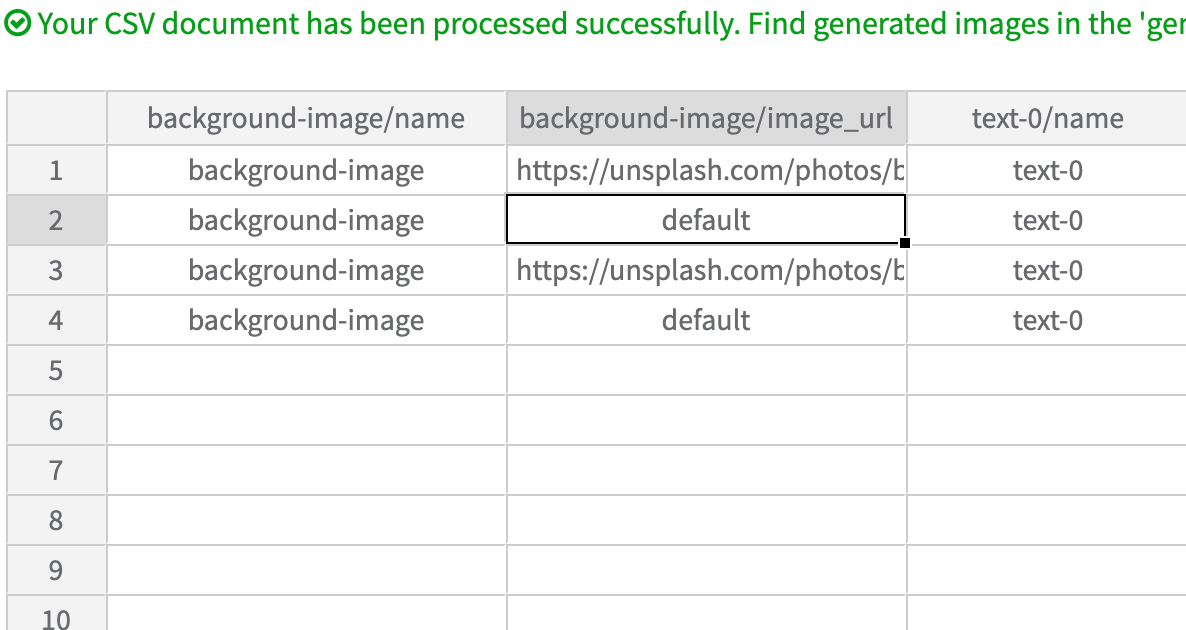
Spreadsheet rows mapped to fields in a Pixelixe template

Connect your content

Map spreadsheet columns or API fields to your template. For embedded editing, open the right starting design for each customer.

Explore the APIs
Step 3
Several campaign layouts saved together in a Pixelixe Design Set

Generate and reuse

Render new variations from the same templates. Keep saved source documents when your team or customers need to edit them again.

Keep assets on-brand

Your data. Your next campaign.

Choose a workflow around the content you already have. Save layouts for the formats you need, then update the fields that change between products, audiences or markets.

WorkflowStarting dataGenerated visualsExplore the workflow
Ecommerce promotions Product images, prices, discounts and catalog rows. Branded product promos and catalog campaign variations. Product feed promo automationProduct image automation API
Social and ad campaigns Campaign copy, imagery, offers and saved format layouts. Social posts and ad banners built from the same campaign templates. Marketing automationBulk social media images
Email and lifecycle campaigns Customer fields, offer details and approved email layouts. Personalized email banners and campaign hero images. Email banner automation
Localized campaigns Translated copy, market-specific prices and local imagery. Branded campaign variations for each supplied locale. Localization creative automation

Built into real production workflows

"Pixelixe's White Label Editor API has been a game-changer for our business. It lets us offer a branded design layer that feels native inside our product."

Sarah J. Thompson

Sarah J. Thompson
CEO, DesignHub Pro

"Our productivity increased drastically once we moved from one-off assets to template-driven visual automation with repeatable API workflows."

Juan Almera

Juan Almera
CTO, Pixelpress Web Solutions

30 Million
Designs Created

+100 Million
Auto-Generated Visual Assets

Before you get started

What can I automate with Pixelixe?

Generate product promos, ad banners, social posts, email visuals and other recurring branded images from reusable templates and structured data. Use spreadsheets for no-code production or connect the Image Generation API to your own workflow.

Do I need to write code?

No. Design templates in Pixelixe Studio and generate variations from a spreadsheet without building an API integration. Developers can use the APIs when image production needs to run inside an application or backend workflow.

Can I embed an editor in my application?

Yes. Embed the hosted white-label editor in your SaaS, marketplace or internal tool. Customers can personalize approved templates, and your application can save and reopen their designs. White-label editor access is included in the Automation tiers.

How does the free trial work?

Pixelixe offers a 10-day trial with no credit card required. Compare current plan limits on the pricing page. Create is for Studio-only design; the Automation tiers include spreadsheet generation, APIs and white-label editor access.

Can I keep editing a design after it is generated?

Saved Pixelixe templates and editor documents can be reopened for editing. Keep the saved document UID or supported editable HTML for that workflow. An exported PNG or JPG is a flattened image, not an editable source document.

Start with your first template.
Build the workflow around it.

Try image automation or embedded editing with your own brand and content.

10-day free trialNo credit card required