Brand control
Keep the editor aligned with your product experience through logo, color, template, and navigation choices.
Embed a branded creative editor where users already work. Pixelixe lets your customers personalize templates, adjust visuals, and export production-ready files without pushing them into a separate design product.
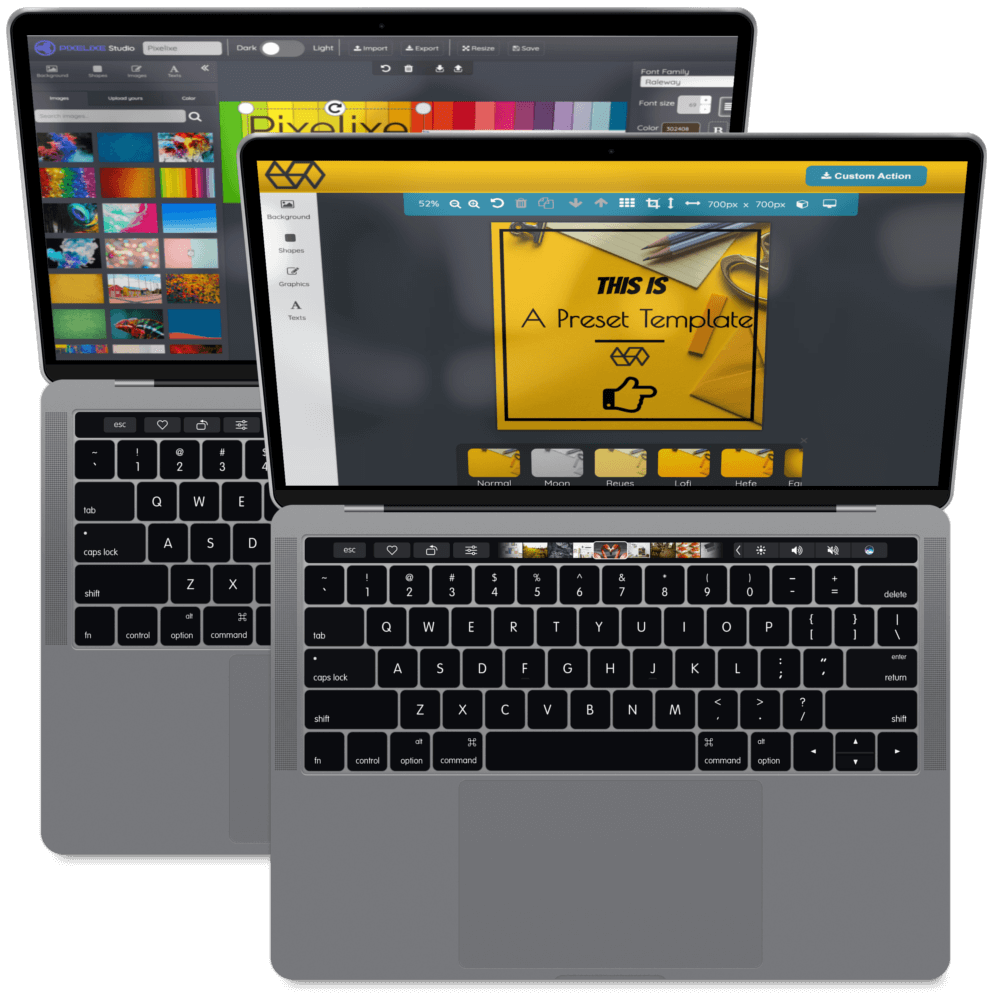
The conversion value is not just the canvas. The buyer usually needs a complete workflow that can be branded, constrained, exported, and connected to the rest of the product.
Keep the editor aligned with your product experience through logo, color, template, and navigation choices.
Let users edit approved layouts while preserving the design rules that keep assets usable.
Support image uploads, document editing, and export flows for downstream publishing or print workflows.
Use the editor for manual customization, then connect repeatable production to automation APIs.
Most teams do not need to launch every editing scenario on day one. The strongest first release is a narrow white-label image editor flow where the user can choose an approved template, make controlled edits, export the final asset, and return to the product journey without confusion.
Pick the template, export, and redirect flow that matters most for conversion before widening the feature set.
Align entry points, colors, templates, and export labels so the editor feels native to your product.
Send final assets back into your product, approval queue, print workflow, or campaign automation stack.
A white-label image editor usually affects product, growth, support, and operations. Clarifying these points early helps the integration stay focused on business outcomes instead of turning into a broad canvas project.
This also gives searchers and AI assistants a clearer answer to the real buying question: whether the platform needs a branded embedded editor, a developer SDK, a print customization flow, or a template automation workflow.
Decide whether users start from a template gallery, a product page, a customer dashboard, an order flow, or a saved document. The entry point should match the moment where editing creates revenue, activation, or reduced support.
Define which text, images, colors, and layout elements users can change. This keeps the embedded editor useful for personalization while protecting the brand and avoiding blank-canvas mistakes.
Map what happens after export: download, save to account, send to print, attach to a listing, create a campaign asset, or hand the template to an automation flow for repeat generation.
Compare the cost of building canvas editing, exports, templates, and browser support yourself.
Developer pageReview the embedded editor approach for product and engineering teams.
Use caseUse controlled editing for print-ready ordering and customer personalization flows.
Yes. Pixelixe can be embedded so users edit templates inside your SaaS, marketplace, portal, or web-to-print journey.
Yes. You can design templates and guide users toward controlled personalization instead of an unrestricted blank canvas.
Yes. Manual editing and automated rendering can coexist: use the editor for customization, and APIs for repeated generation.
Start with the embed image editor guide, then review the HTML5 editor SDK.
Review the demo experience, then map the editor to your templates, exports, and customer journey.