Social visuals
Generate posts, story frames, ads, and campaign variants from approved templates.
Generate visuals from reusable templates and structured data instead of manually editing every campaign asset. Pixelixe helps teams turn JSON payloads, spreadsheets, feeds, and workflow triggers into branded image outputs.
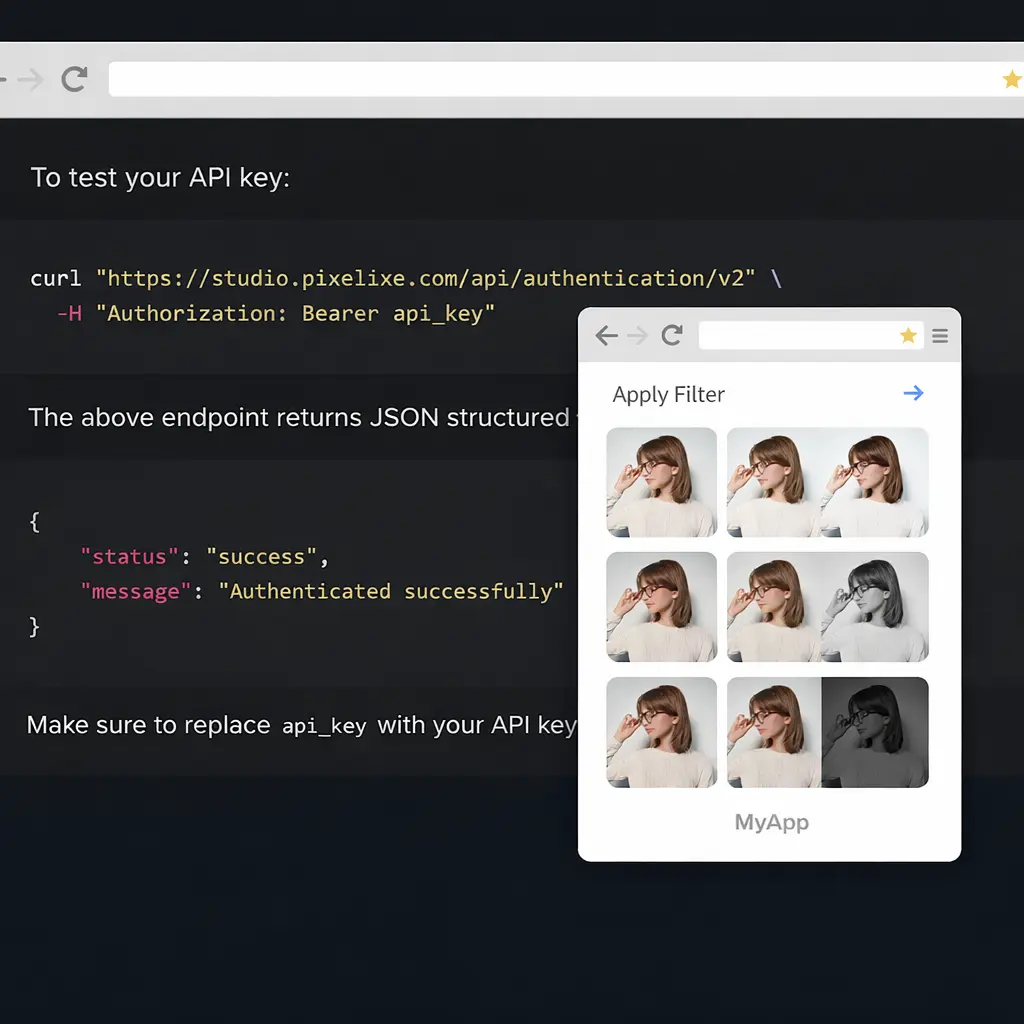
Use an image automation API when the layout should stay controlled but the content changes across many assets. Pixelixe turns reusable templates, Brand Kit rules, JSON payloads, spreadsheets, product feeds, CMS records, and workflow triggers into branded image outputs.
| Input source | Generated output | Best next page |
|---|---|---|
| JSON payload or backend event | Template-based social, ad, product, or lifecycle image | JSON to Image API |
| Spreadsheet or CSV rows | Bulk campaign and catalog visuals | Spreadsheet image generation |
| Product feed or ecommerce catalog | Product promos, price-drop cards, collection banners | Product Image Automation API |
| CMS publish event | Open Graph and social share images | Open Graph Image API |
The API becomes useful when a visual pattern repeats: the layout stays controlled, but text, products, prices, dates, images, or languages change across hundreds of outputs.
Generate posts, story frames, ads, and campaign variants from approved templates.
Create product promos, marketplace images, price banners, and seasonal offers.
Render email, CRM, onboarding, and account banners from customer or campaign data.
Automate share images for pages, articles, listings, and dynamically generated content.
Create a reusable layout with editable fields for text, images, colors, and brand elements.
Pass variables from JSON, spreadsheets, feeds, forms, CMS data, or automation tools.
Generate consistent visuals without asking a designer to duplicate the same layout manually.
Send assets to storage, campaign tools, approval queues, publishing workflows, or your app.
A typical workflow selects a template, sends structured values for editable layers, then receives generated outputs for publishing or approval.
{
  "template": "summer-promo",
  "format": "png",
  "data": {
    "headline": "48-hour sale",
    "price": "$49",
    "product_image": "https://example.com/product.png",
    "cta": "Shop now"
  }
}
Automation is strongest when combined with a manual review path. Generate repeatable assets through the API, then route exceptions to a white-label editor when users need to adjust layout, images, or copy.
Image automation works best when the output needs to stay predictable: same brand system, same layout rules, different data. This is different from open-ended AI image generation, where every prompt can produce a new composition that needs human review.
Put the design decision in a template once, then let campaign rows, product feeds, forms, or backend events update only the approved fields.
Use JSON, spreadsheets, CMS entries, ecommerce catalogs, or CRM data when each output should follow a repeatable pattern and be generated on demand.
Generate social images, product banners, Open Graph previews, lifecycle visuals, and localized variants that stay aligned with brand and export requirements.
Use this page as the API overview for repeatable branded rendering. The linked pages below separate the operational spreadsheet path, the broader creative automation strategy, and the developer-focused image generation API so visitors can move to the workflow that matches their implementation stage.
Create many branded social posts, ads, banners, and campaign variants from templates.
No-code sourceTurn rows of campaign data into visual outputs with repeatable template logic.
Strategy hubReview how template production, editor workflows, APIs, and AI-assisted generation fit together.
Yes. The API is for repeatable rendering from templates and data. The editor is for manual customization and review.
Teams typically use JSON payloads, spreadsheets, product feeds, CMS data, form submissions, or workflow triggers.
Marketing teams, SaaS products, marketplaces, ecommerce teams, agencies, and internal creative operations teams use it when visual production becomes repetitive.
Review the Image Generation API, then map campaign use cases on the bulk social media page.
Use Pixelixe when your team needs repeatable image production without losing control of design quality.