
Where Pixelixe fits in an n8n workflow


n8n handles triggers, branching, data mapping, and delivery. Pixelixe handles the creative production step: taking approved templates and filling named layers with values from spreadsheets, forms, CMS records, product feeds, or CRM events.


n8n implementation model

Map workflow data to Pixelixe template layers

Trigger the workflow from a webhook, schedule, Airtable row, Shopify product update, HubSpot event, or CMS publish event. Map fields to Pixelixe template layers, render the image, then send the result to Slack, email, a CMS, cloud storage, or your own API.

  • Trigger from webhooks, schedules, app events, spreadsheets, forms, or CMS updates.
  • Normalize fields in n8n before sending them to Pixelixe.
  • Call Pixelixe from an HTTP Request node with a template UID and modifications array.
  • Pass the returned image_url to Slack, email, CMS, storage, approvals, or your own API.
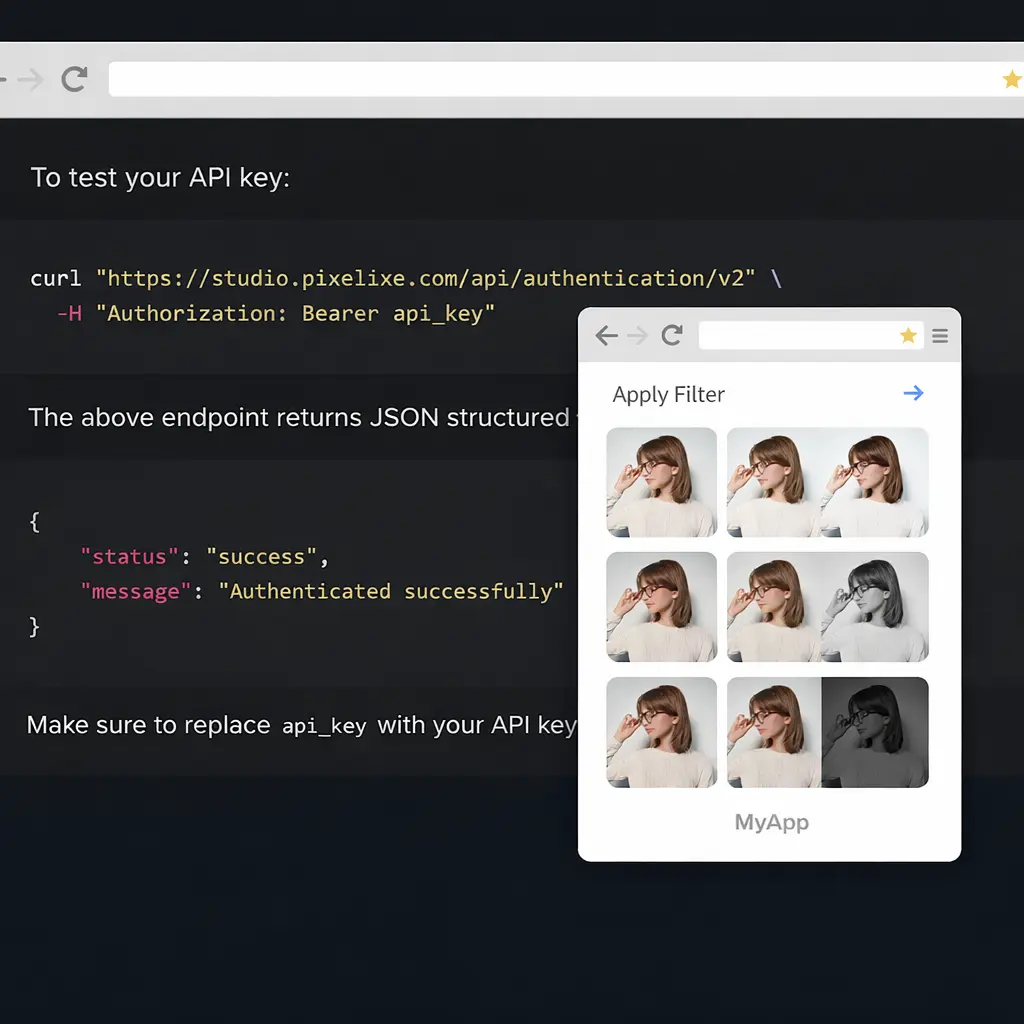
Pixelixe template rendering preview for n8n automation workflows

HTTP Request node body

POST https://studio.pixelixe.com/api/graphic/automation/v2
Content-Type: application/json

{
  "api_key": "YOUR_API_KEY",
  "document_uid": "campaign_template_uid",
  "format": "json",
  "image_type": "png",
  "modifications": [
    { "element_name": "headline", "type": "text", "text": "{{$json.headline}}" },
    { "element_name": "offer", "type": "text", "text": "{{$json.offer}}" },
    { "element_name": "product_image", "type": "image", "image_url": "{{$json.image_url}}" },
    { "element_name": "cta", "type": "text", "text": "Shop now" }
  ]
}

JSON response

{
  "status": "success",
  "uid": "campaign_template_uid",
  "image_url": "https://studio.pixelixe.com/storage/file/.../campaign-variant.png"
}
Implementation note: request format: "json" so n8n can pass the returned image_url to the next node without handling binary files.

Why automation teams use Pixelixe with n8n


n8n moves the data. Pixelixe keeps the branded rendering predictable and reusable.


Workflow triggers

Generate images from n8n webhooks, schedules, rows, and app events.

Field mapping

Map no-code fields to named Pixelixe template layers.

Image URL handoff

Return image URLs for downstream publishing and approvals.

Brand-safe output

Keep creative output consistent even when workflow inputs change.


HTTP node setup pattern


Keep credentials in n8n credentials or environment variables, then map previous-node values into the Pixelixe modifications array.


Workflow structure

{
  "trigger": "New product row, CMS publish event, CRM update, or webhook",
  "n8n_nodes": [
    "Trigger",
    "Set or Function node to normalize fields",
    "HTTP Request node calling Pixelixe",
    "Slack, CMS, email, storage, or approval node"
  ],
  "pixelixe_output": "Use the returned image_url in downstream n8n steps"
}

Recommended output handoff

{
  "next_node_inputs": {
    "asset_url": "{{$json.image_url}}",
    "source_record": "{{$json.custom_field}}",
    "status": "{{$json.status}}"
  }
}
Tip: store generated images by campaign, product, slug, or customer segment before publishing them automatically.

Common n8n image automation flows


Start with repeatable workflows where data already exists and the creative output must stay consistent.


Product update to promo image

Trigger on a product row, price change, or catalog event and generate a sale image from product fields.

CMS publish to social card

Generate blog, docs, changelog, or landing page share images when content is published.

CRM or lifecycle banner

Create email banners or account-specific visuals from CRM, lifecycle, or segmentation data.

Approval loop

Send the generated image URL to Slack, email, or a task system before publishing downstream.

Spreadsheet batch

Generate one image per row from Airtable, Google Sheets, CSV imports, or internal operations tables.

AI copy to creative render

Let an upstream AI step draft text, then let Pixelixe render the approved template safely.


How integration works


Use n8n for orchestration and Pixelixe for the final branded rendering step.


1

Step 1

Create and approve a Pixelixe template.

2

Step 2

Create an n8n workflow with a trigger and data source.

3

Step 3

Map trigger fields to Pixelixe modifications.

4

Step 4

Send the generated image URL to the next n8n node.


Developer FAQ


Can n8n call Pixelixe with an HTTP node?

Yes. Use the Pixelixe Image Automation API endpoint from an HTTP request node and map n8n fields into the modifications array.

Can I use the generated image in another n8n step?

Yes. Request JSON output, then pass the returned image URL to email, CMS, storage, approval, or social publishing steps.

Do I need AI for this workflow?

No. Pixelixe works with normal structured data. AI can be added upstream when you want to draft text or choose variants.

Related implementation guides


The same workflow works with deterministic data mapping or an AI step that drafts copy first. Pixelixe remains the brand-safe rendering layer that turns structured output into predictable assets.


Pixelixe and n8n

Open the related Pixelixe page for implementation context, API details, or workflow planning.

API hub

Open the related Pixelixe page for implementation context, API details, or workflow planning.

Image Generation API

Open the related Pixelixe page for implementation context, API details, or workflow planning.

Dynamic banner generation

Open the related Pixelixe page for implementation context, API details, or workflow planning.

Product feed promo automation

Open the related Pixelixe page for implementation context, API details, or workflow planning.


Ready to generate branded images from n8n?

Create one reusable Pixelixe template, map n8n data into template layers, and send generated image URLs to the next step in your automation.


Start a 10-day trial
Read the docs