Paid social ads
Generate campaign variants for different offers, audiences, products, or regions.
Create hundreds of branded campaign images from one design system. Pixelixe turns templates, spreadsheet rows, feeds, or API payloads into social posts, ads, banners, and share images without repeating manual design work.
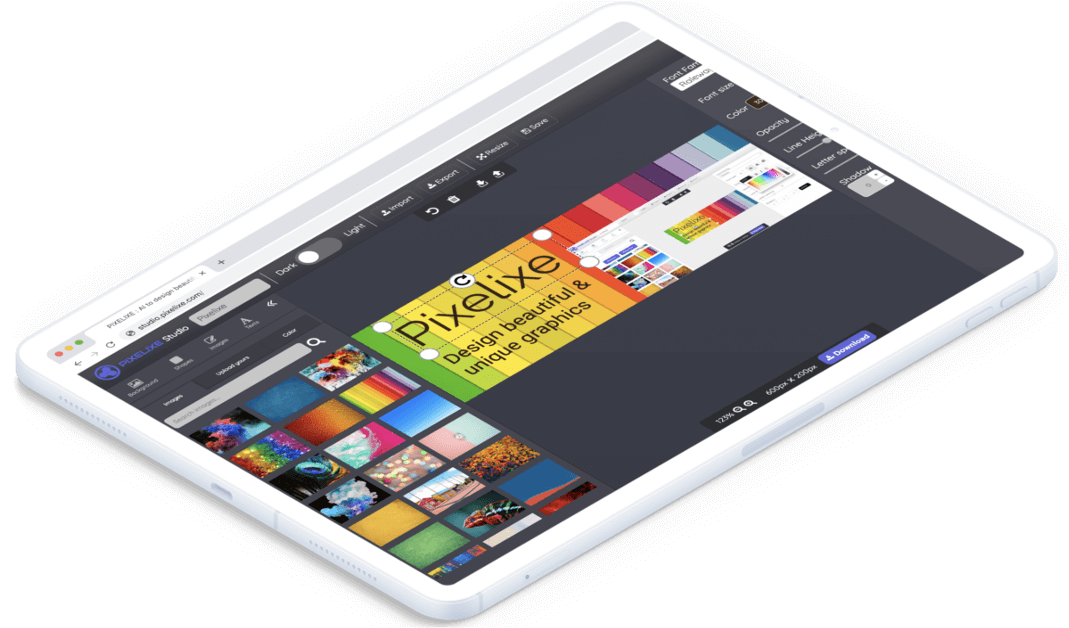
Bulk generation is strongest when the creative format repeats across markets, products, dates, languages, offers, channels, or customer segments.
Generate campaign variants for different offers, audiences, products, or regions.
Render speaker cards, venue visuals, countdowns, webinars, and product launches.
Create product visuals, seasonal banners, price cards, and category campaigns from data.
Create personalized visuals for newsletters, onboarding, winback, and lifecycle campaigns.
Create dynamic share images for articles, product pages, listings, landing pages, and CMS content.
Reuse the same layout while adapting text, images, and offers for each language or market.
The goal is to separate design work from production work. A designer or brand owner approves the reusable layout once, then marketing, growth, ecommerce, or operations teams can generate campaign variants from data without rebuilding every visual.
Create a reusable layout with editable fields for text, images, colors, and offers.
Use spreadsheet rows, feeds, CMS entries, product data, or JSON payloads.
Render many social visuals while preserving the brand and layout rules.
Download outputs, push them downstream, or review selected assets inside an editor flow.
Bulk social media image generation performs best when each channel has a clear format, naming convention, and data source. That keeps the production run predictable and makes it easier to reuse the same template system for paid social, organic posts, email banners, and landing page visuals.
Prepare square, vertical, story, banner, and Open Graph formats before generating variants so every asset is ready for the channel where it will be published.
Define the fields that change across assets: headline, offer, product image, price, date, region, language, CTA, disclaimer, or audience segment.
Decide whether generated files should be downloaded, reviewed in an editor, stored in your CMS, attached to campaign briefs, or pushed into an automation tool.
Generate visual outputs from templates and structured payloads.
Automation hubUnderstand how templates, APIs, spreadsheets, and AI-assisted production fit together.
Developer pageUse Pixelixe rendering workflows to produce branded graphics programmatically.
Vertical workflowGenerate listing, open house, sold, and market update visuals from property data.
Vertical workflowGenerate job cards, hiring event graphics, and employer brand visuals from HR data.
Vertical workflowGenerate listing cards, seller promos, and category campaign visuals from marketplace records.
Vertical workflowGenerate class cards, trainer spotlights, challenges, and membership offer visuals from studio data.
Vertical workflowGenerate service cards, practitioner highlights, education visuals, and local appointment campaign images.
Vertical workflowGenerate event cards, booking promos, speaker graphics, and calendar-driven venue visuals.
Vertical workflowGenerate branch-specific campaign variants with central brand rules and local approval workflows.
Vertical workflowGenerate vehicle cards, finance offers, service promos, and dealership location visuals from structured data.
Yes. Spreadsheet-based generation is useful when marketers can prepare the campaign data and reuse approved templates.
Yes. Developers can use API workflows when assets should be created from product data, CMS content, or automation triggers.
Yes. The key is to keep design decisions in templates and use data only for the fields that should vary.
Start with one repeated campaign format, then connect it to either a spreadsheet flow or the Image Automation API.
Use Pixelixe when your team needs many campaign assets without recreating each design manually.