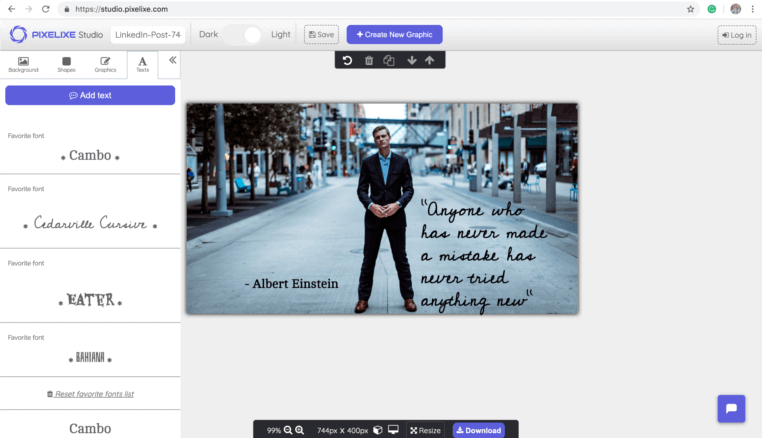
Direct answer: Webflow manages content, Pixelixe generates the dynamic visual
Webflow CMS can store titles, slugs, categories, authors, cover images, and campaign fields. Pixelixe turns those fields into branded social preview images, landing page graphics, or collection visuals from reusable templates, so teams do not need to manually design a new image for every CMS item.
Use Webflow for CMS records, collection pages, landing pages, and content publishing.
Use Pixelixe for dynamic image rendering, reusable social preview templates, and brand-controlled visuals.
Use a webhook, automation tool, or backend to generate the image URL and attach it to the relevant Webflow item or metadata field.
Webflow dynamic image use cases
The strongest use cases involve many pages that share one visual system but need different text or imagery.
| Webflow page type | Dynamic fields | Pixelixe output |
|---|
| Blog and editorial CMS | Title, category, author, cover image, publish date. | Branded Open Graph image and social sharing visual. |
|---|
| Programmatic landing pages | Location, industry, offer, product, CTA, locale. | Reusable landing page visual or share card for each page. |
|---|
| Case studies and portfolios | Client, result, logo, screenshot, testimonial. | Consistent case study card and social preview image. |
|---|
| Events and webinars | Speaker, date, topic, sponsor, registration CTA. | Event banners and social cards from one template. |
|---|
Webflow CMS item to Pixelixe payload
Use a backend, webhook handler, Make.com, Zapier, or n8n scenario to map Webflow CMS fields to Pixelixe.
API request
POST https://studio.pixelixe.com/api/graphic/automation/v2
Content-Type: application/json

{
  "document_uid": "webflow_og_template_uid",
  "api_key": "YOUR_API_KEY",
  "format": "json",
  "image_type": "png",
  "modifications": [
    { "element_name": "title", "type": "text", "text": "{{webflow.name}}" },
    { "element_name": "category", "type": "text", "text": "{{webflow.category}}" },
    { "element_name": "cover", "type": "image", "image_url": "{{webflow.cover_image_url}}" },
    { "element_name": "cta", "type": "text", "text": "Read the guide" }
  ]
}
Generated output
{
  "status": "success",
  "image_url": "https://studio.pixelixe.com/storage/file/.../webflow-og-image.png"
}
Store the returned image URL in a CMS field or use it in the route metadata workflow that publishes Open Graph images.
Why Webflow teams use Pixelixe
Webflow is strong for no-code publishing. Pixelixe fills the repeatable image generation layer.
Consistent social previews
Generate a unique but brand-consistent image for every CMS route and collection item.
No manual export loop
Avoid rebuilding images in a design tool whenever a CMS item changes.
Programmatic page support
Support high-volume pages where every route needs a different but controlled visual.
Marketing-owned templates
Let marketing approve the design system while developers or automations handle rendering.
Webflow implementation workflow
Keep the image system separate from page building so the same template can serve many CMS item types.
Design the social image template
Create one 1200x630 layout with named layers for title, category, image, badge, and CTA.
Map Webflow fields
Connect CMS fields to matching Pixelixe layer names through a webhook or automation workflow.
Generate the image
Call Pixelixe when an item is created, updated, approved, or published.
Attach the URL
Store the returned image URL in Webflow or use it in the metadata layer for the published page.
Related Pixelixe workflows
Use these connected pages to evaluate the implementation path, adjacent use cases, and Pixelixe product fit.