Content types supported

One editorial system can cover many publishing surfaces

The goal is to capture the real content distribution problem: every new article, page, launch, or update needs a branded share image without slowing down publishing.

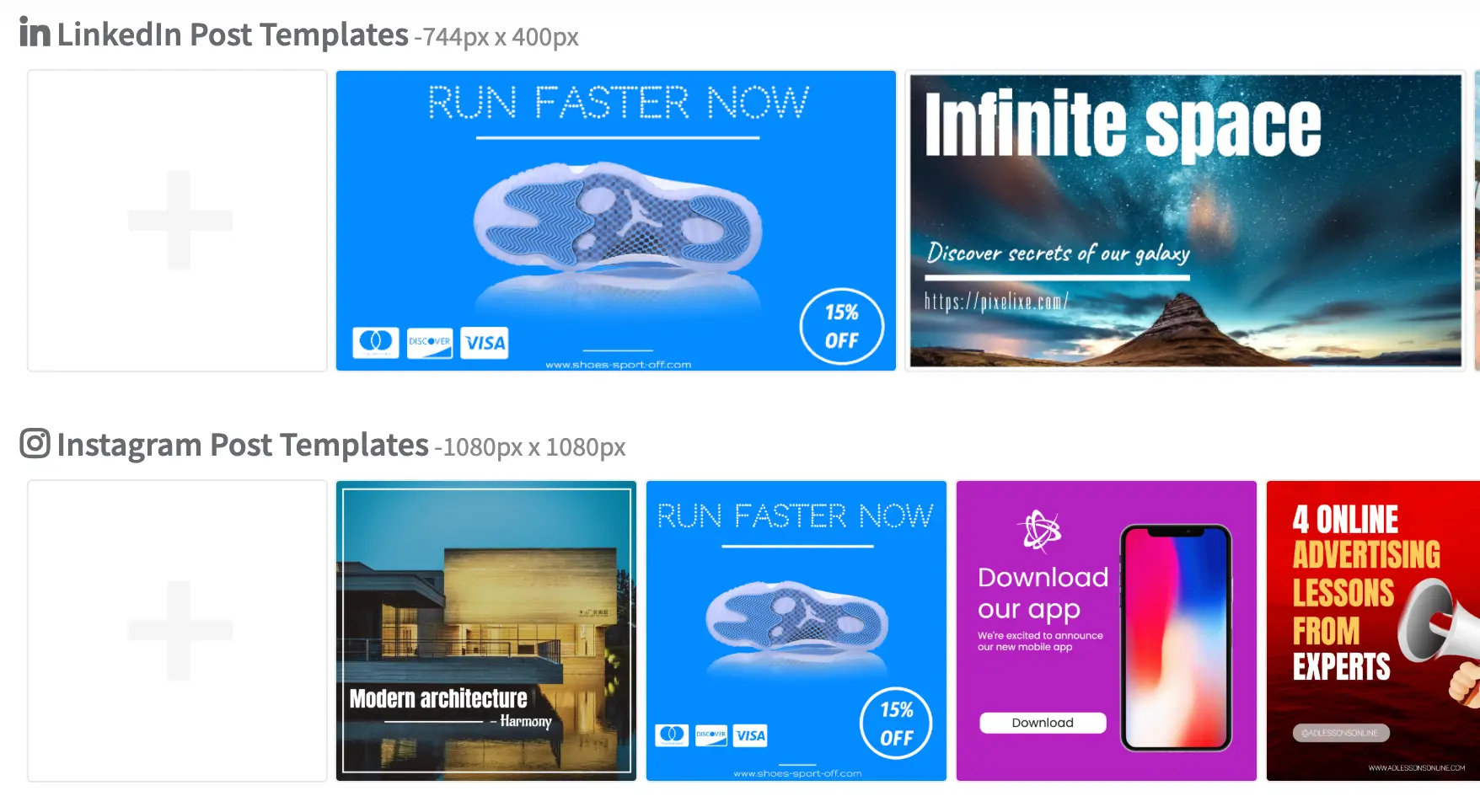
Reusable content share image templates across multiple content types

Blog posts

Publish branded article share images automatically when new posts go live.

Case studies

Create customer story visuals with company name, logo, quote, or KPI fields.

Product launches

Generate launch cards from feature names, tags, screenshots, and promotion copy.

Feature pages

Keep landing and feature page share visuals aligned with product messaging automatically.


Changelogs

Turn release note titles and version highlights into reusable launch or update cards.

Documentation pages

Create branded preview visuals for docs, guides, tutorials, and help-center content.

Newsletters

Publish issue cards and newsletter share images from recurring editorial templates.

Reports and whitepapers

Support gated content, research drops, and content launches with branded distribution visuals.


Job pages

Generate share cards for hiring pages, open roles, and recruiting campaigns without making one-off creative.

Campaign pages

Use the same system for seasonal campaigns, landing pages, launches, and other content distribution assets.

What can be inserted dynamically

Dynamic fields make the template reusable

Share image automation becomes practical when the design stays stable and the content fields update automatically for each new page or campaign.


Title

Use the article, page, launch, or update title as the main visual field.

Category

Add category, product area, topic, or content-type labels to the share image.

Author

Insert author or host name for editorial, newsletter, or expert-content workflows.

Publish date

Display article date, release date, or issue date on recurring content cards.

Product name

Swap feature or product naming fields for launches, changelog, and campaign pages.

Customer logo

Generate case study or proof-point visuals with the right customer identity every time.

KPI or stat

Highlight numbers, proof points, or metric snippets in case studies and reports.

Screenshot

Inject feature screenshots, article covers, thumbnails, or content-specific visuals.

CTA label

Update the action cue for read, explore, watch, launch, download, or apply flows.

Why this matters for publishing teams

Distribution value matters more than the image alone

The real gain is not “one more image maker.” It is the ability to keep every new content asset publishable, brand-safe, and distribution-ready without slowing down the editorial workflow.


Consistent brand presence on social shares

Keep titles, covers, logos, and layouts aligned every time a page gets shared.

Faster publishing workflows

Remove the manual image step that often blocks or delays content publishing.

No missing preview images

Avoid launching content with no branded preview card attached to the share workflow.

Better promotion of every content asset

Treat every article, launch, case study, or release note as a distribution asset instead of an isolated page.

Scalable visual publishing across the site

Keep the whole content system visually consistent as output volume grows across the site, CMS, and campaign stack.

Typical triggers that start the workflow

Publishing events are usually what generate the asset

This is one of the most GEO-friendly parts of the workflow because teams usually phrase the problem as an action trigger, not as a design request.


When a new blog post is published

Create the share image automatically from the title, category, cover, and author fields.

When a CMS entry is updated

Refresh the social image when the title, screenshot, taxonomy, or cover field changes.

When a changelog item goes live

Publish branded release cards from version names, tags, screenshots, and summaries.

When a campaign page is created

Generate the share-ready visual as soon as the page record exists in the publishing or launch workflow.

When a case study is approved

Trigger the branded customer story card once quote, logo, KPI, and headline fields are finalized.

Example workflows for content distribution

Different content types usually need different share templates

The use case is broader than Open Graph or social cards alone. It is about making sure every piece of content gets a visual asset that is ready for distribution and promotion.


Blog publishing workflow

New post enters the publishing flow, then Pixelixe generates the branded article share image from title, category, author, and cover fields.

Case study workflow

Customer name, quote, KPI, and logo fields produce the share image plus the broader promotion visual used by the marketing team.

Product launch workflow

Feature name, screenshot, release tag, and CTA fields turn into a launch-ready social card and share image automatically.

Docs and changelog workflow

New release notes, updates, and docs entries generate branded release cards and preview visuals from the same editorial template logic.

Template strategy for scalable content ops

The system works best when templates match content families

This is what keeps the workflow from collapsing back into one-off design work. Teams usually standardize a few content templates, not one giant universal image layout.


Template families keep publishing predictable

The simplest and strongest setup is usually one template for articles, one for case studies, one for product launches, and one for releases or changelog cards. That gives the content team a small editorial system rather than a design free-for-all. Pixelixe then maps the right fields into the right template when a new content record is published.

  • One template for articles and editorial posts
  • One template for case studies and customer proof
  • One template for launches, feature pages, and product messaging
  • One template for release notes, changelog items, and update cards

Need the technical implementation path? See Open Graph Image API. Need the broader content publishing route? Explore social media graphics and spreadsheet generation.

Example content fields
title
category
author
publish_date
product_name
customer_logo_url
kpi_stat
screenshot_url
cta_label
content_type

Questions teams ask before automating share images

Common questions behind content-share workflows

These questions usually come from content operations, CMS, editorial, growth, or distribution teams that want repeatable branded publishing.


Can I generate a share image for each new article automatically?

Yes. Pixelixe can generate a branded share image whenever a new article, page, launch, or release goes live.

Can I connect this workflow to my CMS?

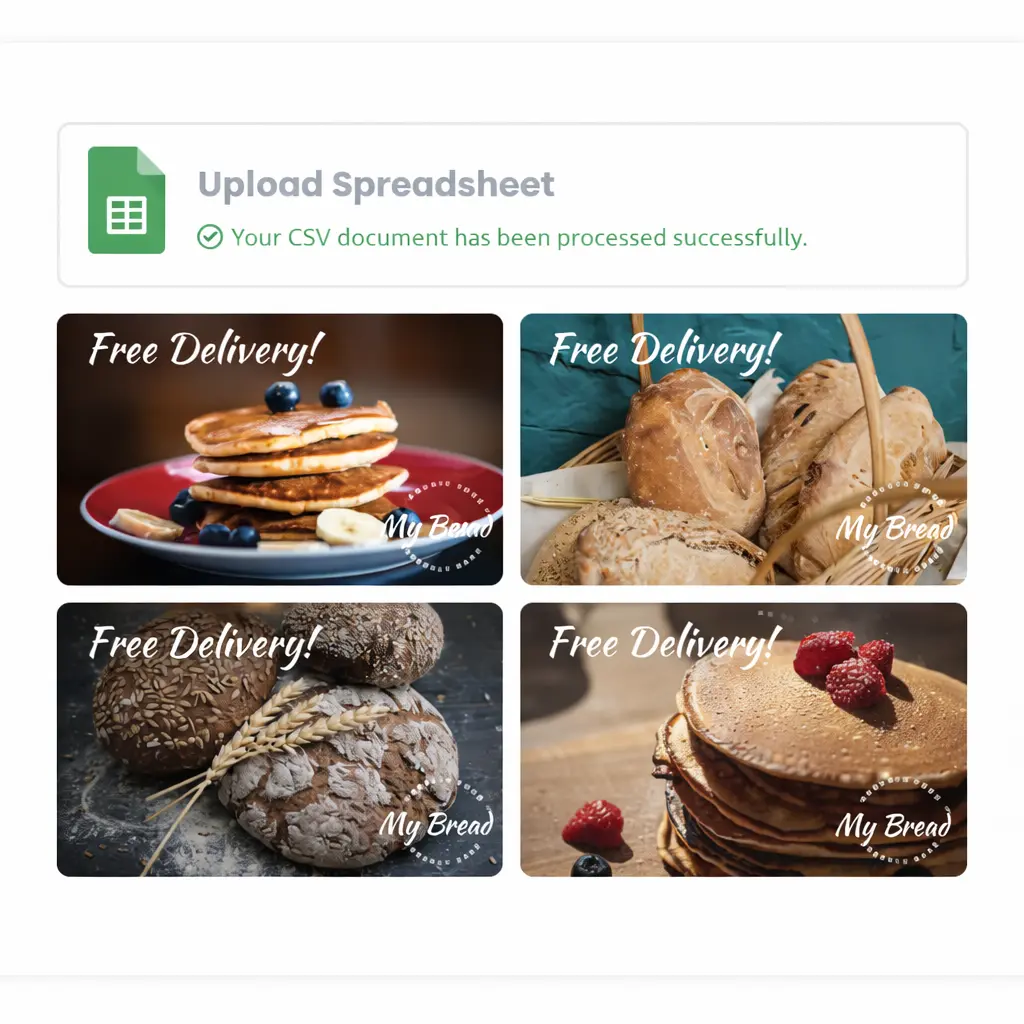
Yes. Teams can start with spreadsheets or structured exports, then move into CMS and API-driven flows when needed.

Can I use dynamic titles, categories and screenshots?

Yes. Pixelixe can map the right editorial fields into reusable content-share templates without changing the layout each time.

Can I create different templates per content type?

Yes. That is usually the recommended approach for articles, case studies, launches, and release notes.

Can I keep all social share images on-brand automatically?

Yes. Pixelixe helps teams standardize the content-share layout system so every article, page, and campaign visual stays brand-consistent at scale.
Social share image automation at a glance

This is the content ops route, not the endpoint page

Pixelixe helps teams create share-ready images for new content automatically. The need is broader than Open Graph cards alone: it includes editorial distribution visuals, campaign sharing assets, launch cards, release notes, and social promotion output around the content lifecycle.


Related workflows and next steps

Explore social media graphics, spreadsheet generation, AI marketing creatives, marketing automation, and the technical route in Open Graph Image API if you need endpoint-level control.


Automate share images or explore the content workflow path

Automate share images
See content workflows