Use Pixelixe in n8n workflows to generate editable, on-brand visuals from forms, feeds, CRM data, AI agents, and campaign triggers. The fit is strongest when a workflow needs a real rendering step between data orchestration and production delivery.
Use the landing page for automation fit and workflow design. Use the n8n setup guide for node-specific connection details, or browse the MCP setup hub if you are comparing platforms.
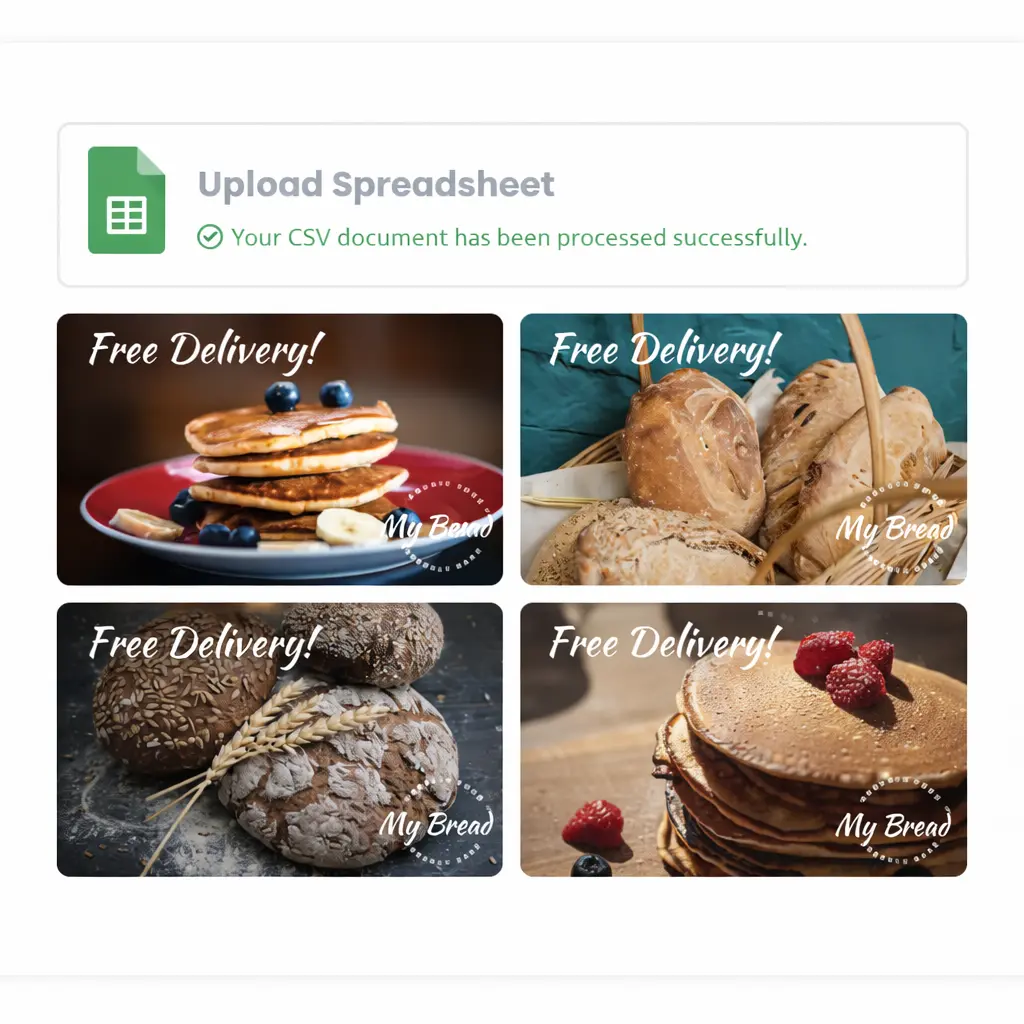
n8n can start the workflow from sheets, databases, forms, CRMs, webhooks, scheduled jobs, or AI agent steps.
n8n is good at preparing content, product data, and campaign signals, which makes it a strong companion for Pixelixe creation and template workflows.
The first result can stay editable, which matters when a trigger should produce a usable draft instead of a final irreversible asset.
Approved results can be sent to delivery systems, stored for later reuse, or passed into downstream automation stages.
The best use cases start from data or triggers and end in reusable visual output.
Read rows, map the campaign values to creative fields, and render on-brand visuals without rebuilding the layout every time.
Use pricing, inventory, or merchandising triggers to render promo graphics from reusable templates when an offer changes.
Generate recurring assets for email, paid social, or lifecycle campaigns from CRM fields, launch data, and marketing calendars.
Use an AI step to decide the content or the offer, then let Pixelixe handle the brand-safe visual rendering inside the same n8n workflow.
The workflow starts from a feed, webhook, spreadsheet row, CRM event, or scheduled campaign operation.
n8n enriches the data, formats the content, or uses an AI node to prepare the request before graphic rendering begins.
Pixelixe creates the first editable design or applies template modifications, then returns editable or production-ready output.
The workflow can save, notify, route, export, or publish the result depending on how much human review the process still needs.
Pixelixe works well inside n8n because it is a practical creative action in the middle of a workflow, not just a destination app at the end.
Trigger:
- webhook
- CRM event
- sheet update
- scheduled batch
Middle steps:
- prepare content
- optional AI planning
- call Pixelixe MCP
Final steps:
- notify reviewer
- export asset
- store result
- publish or deliver
Automation is only useful if the output stays on-brand when the workflow runs repeatedly.
Colors, logos, and layout rules do not need to be reinvented for every run when the workflow is grounded in reusable creative assets.
One approved layout can support many recurring renders across channels, offers, and data-driven workflows.
Searchable saved documents and design sets help n8n reuse prior creative work instead of creating duplicate assets every time.
n8n is ideal when the workflow is trigger-led. Compare the other entry points when you need a broader product overview or a different orchestration surface.
Use the main MCP landing to evaluate Pixelixe as the creative production layer for agents, workflows, templates, and brand-safe rendering.
MCP server for on-brand graphic generationUse the Claude page when a reasoning-heavy workflow needs to plan the brief before handing the design work to Pixelixe.
Claude + PixelixeUse the ChatGPT page when the workflow starts inside apps, copilots, or conversational tool surfaces.
Connect Pixelixe to ChatGPTPixelixe fits n8n because it works well as the creative rendering step between data preparation, AI decision making, review, and downstream delivery.
Yes. n8n can orchestrate both new editable designs and repeatable template-based variants, depending on the workflow stage.
Brand Kit logic helps keep automated outputs on-brand by grounding colors, logos, fonts, and reusable templates in a repeatable workflow.
Use the dedicated Pixelixe help-center guide for n8n node and connection setup details, or the MCP setup hub if your team is still comparing platforms.
Use Pixelixe when feeds, triggers, forms, or AI steps need a brand-safe creative production layer rather than a disconnected asset generation endpoint.