What changes automatically
This is where the workflow becomes operationally useful. Webinar promotion templates are valuable because the same design can absorb new event data without manual layout rebuilding.
Event title
Change the webinar or event title without rebuilding the visual hierarchy.
Speaker name
Replace guest, host, moderator, or panelist names from structured event data.
Speaker photo
Swap portraits automatically across speaker cards, banners, and promotion graphics.
Company logo
Inject brand, sponsor, or partner logos without changing the master design system.
Date
Keep event schedules accurate across announcement, reminder, and replay visuals.
Timezone
Generate market-appropriate event timing without hand-editing every asset.
CTA
Update register, save your spot, watch replay, or on-demand call-to-action text as the event lifecycle changes.
Event type
Change webinar, live demo, workshop, panel, or virtual summit labels automatically.
Channel size and format
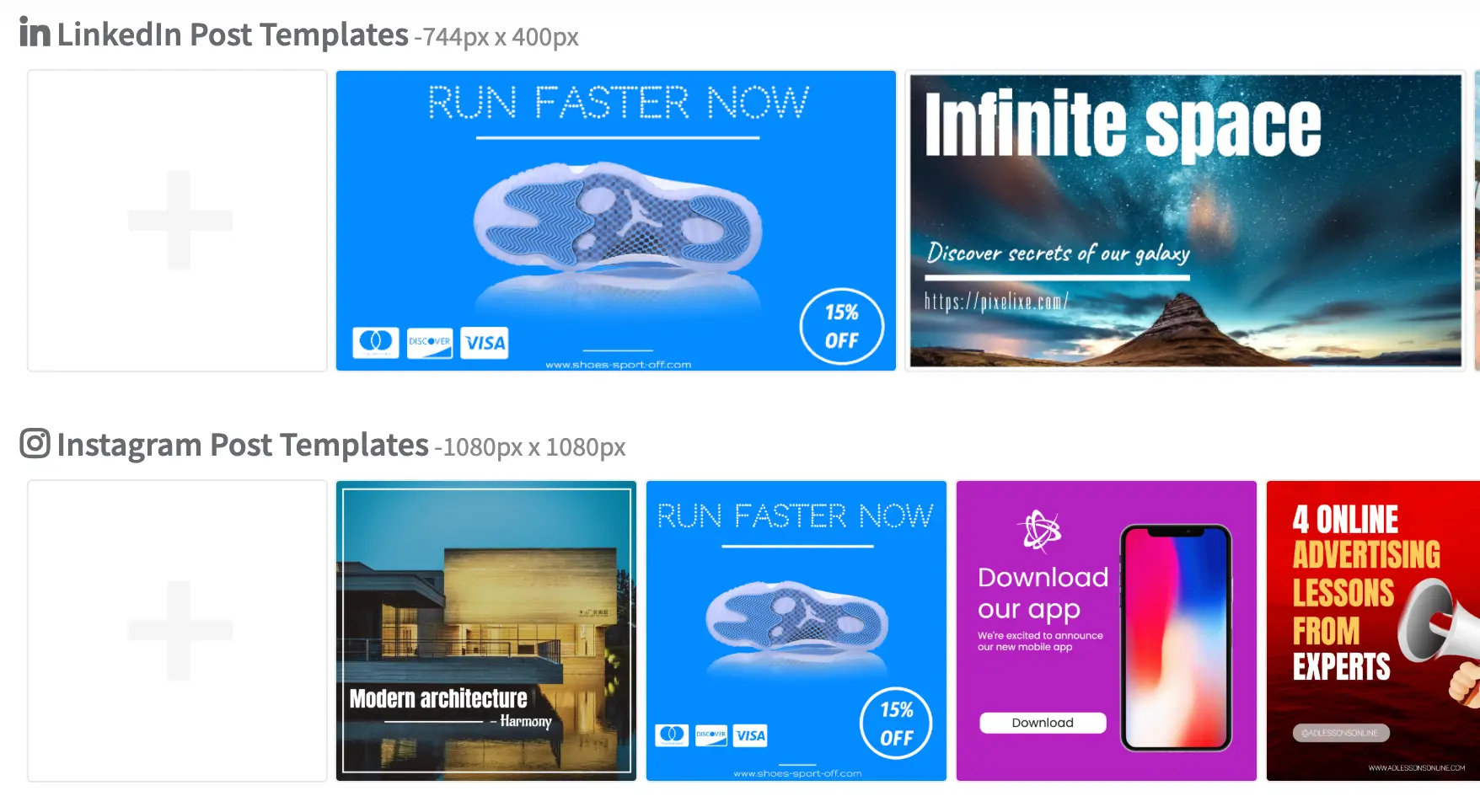
Produce the right LinkedIn, email, story, ad, or landing dimension from the same source event data.
Typical webinar event workflow
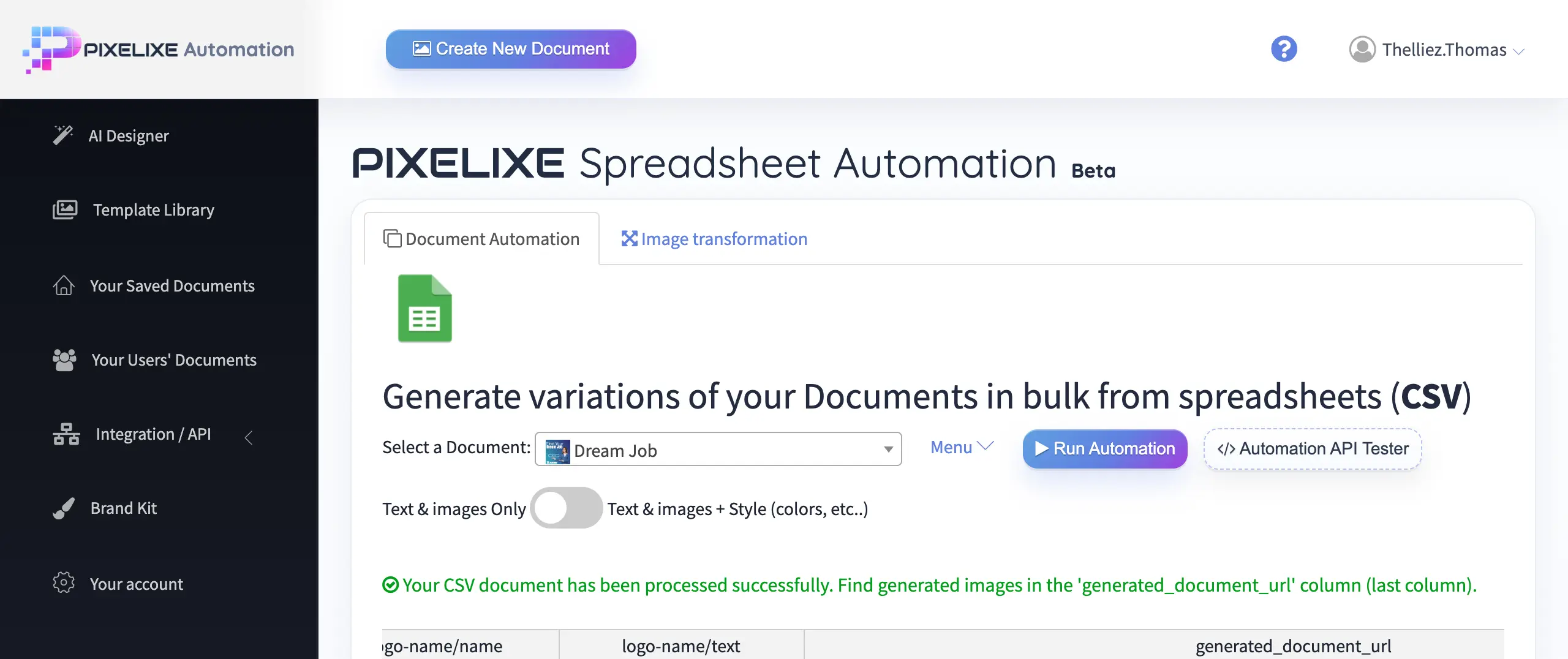
The process is intentionally simple: define the design once, connect the event record, then generate every asset you need for promotion and replay.
1Create one event template
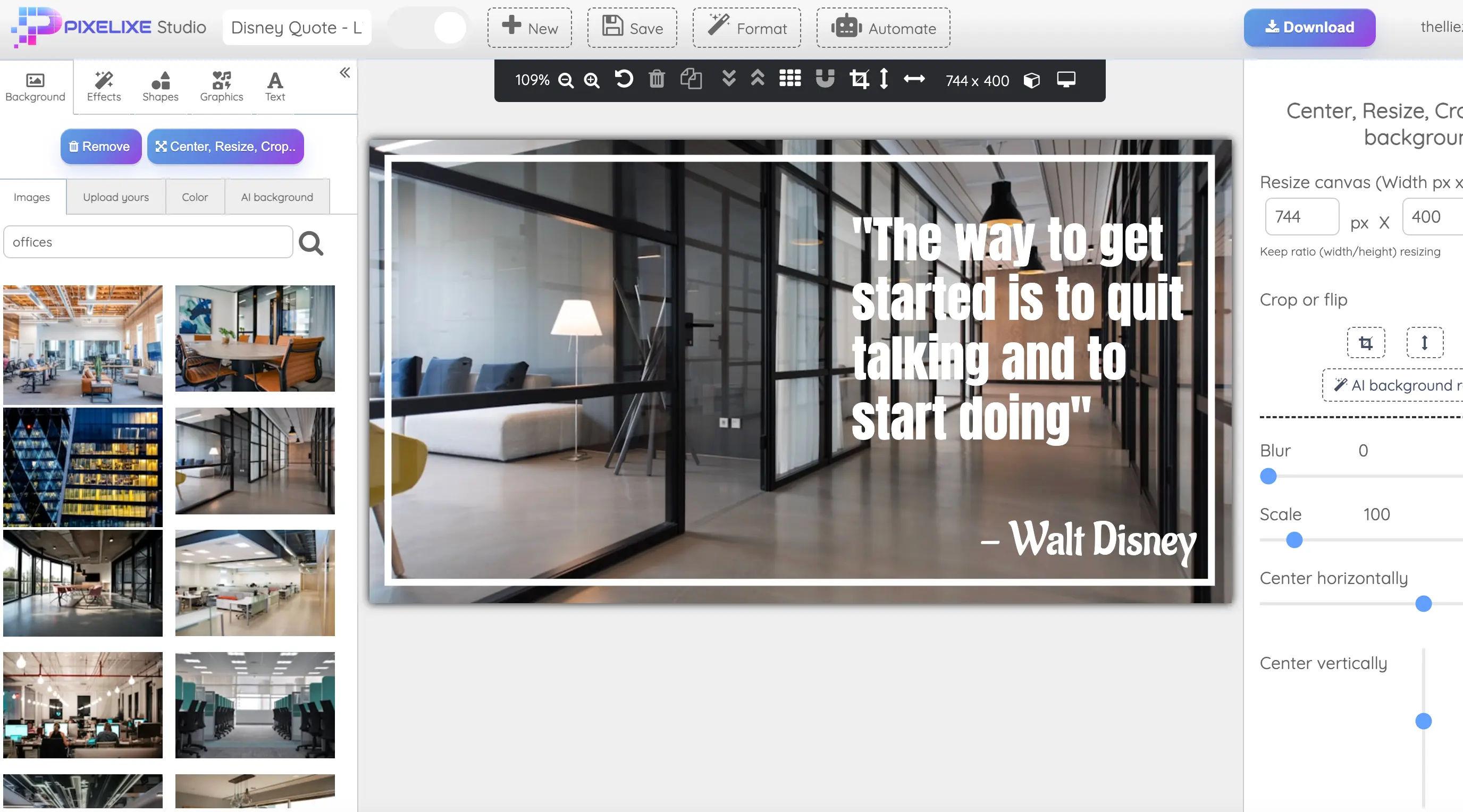
Save the branded webinar or event layout in Pixelixe Studio with reusable speaker, title, date, CTA, and channel zones.
2Connect your event source
Bring in event data from a spreadsheet, CMS, CRM, marketing ops sheet, or API-ready event system.
3Auto-fill speaker, title, date, and CTA
Map the fields that change every event while preserving the approved webinar series structure.
4Generate all promotional sizes
Produce LinkedIn banners, social posts, speaker cards, email headers, landing heroes, reminders, and replay visuals together.
5Reuse the workflow for every new webinar
Keep the same event promotion system alive across weekly, monthly, or campaign-based event calendars without redoing design work.
Questions teams ask before automating webinar visuals
These are the recurring questions behind webinar banner generators, event banner automation, and multi-channel event promotion workflows.
Can I generate all webinar formats from one template?
Yes. Pixelixe can turn one approved event layout into LinkedIn banners, social images, email headers, landing heroes, speaker cards, and replay assets.
Can I update visuals when the date or speaker changes?
Yes. Update the event record fields and regenerate the full visual pack without rebuilding the layout manually.
Can I create speaker cards automatically?
Yes. Speaker cards are a natural extension of the same event template logic when guest data, headshots, and role fields are already structured.
Can I produce assets for LinkedIn, email and landing pages at once?
Yes. Pixelixe can generate all the key event promotion sizes in one workflow so teams can publish across channels together.
Can I reuse the same template for recurring webinars?
Yes. That is usually the best use case. Keep one series design, then change only the fields that vary from one session to the next: title, guest, date, topic, host, language, CTA, and replay state.