
6 AI-Powered Techniques Changing the Way We Edit Images
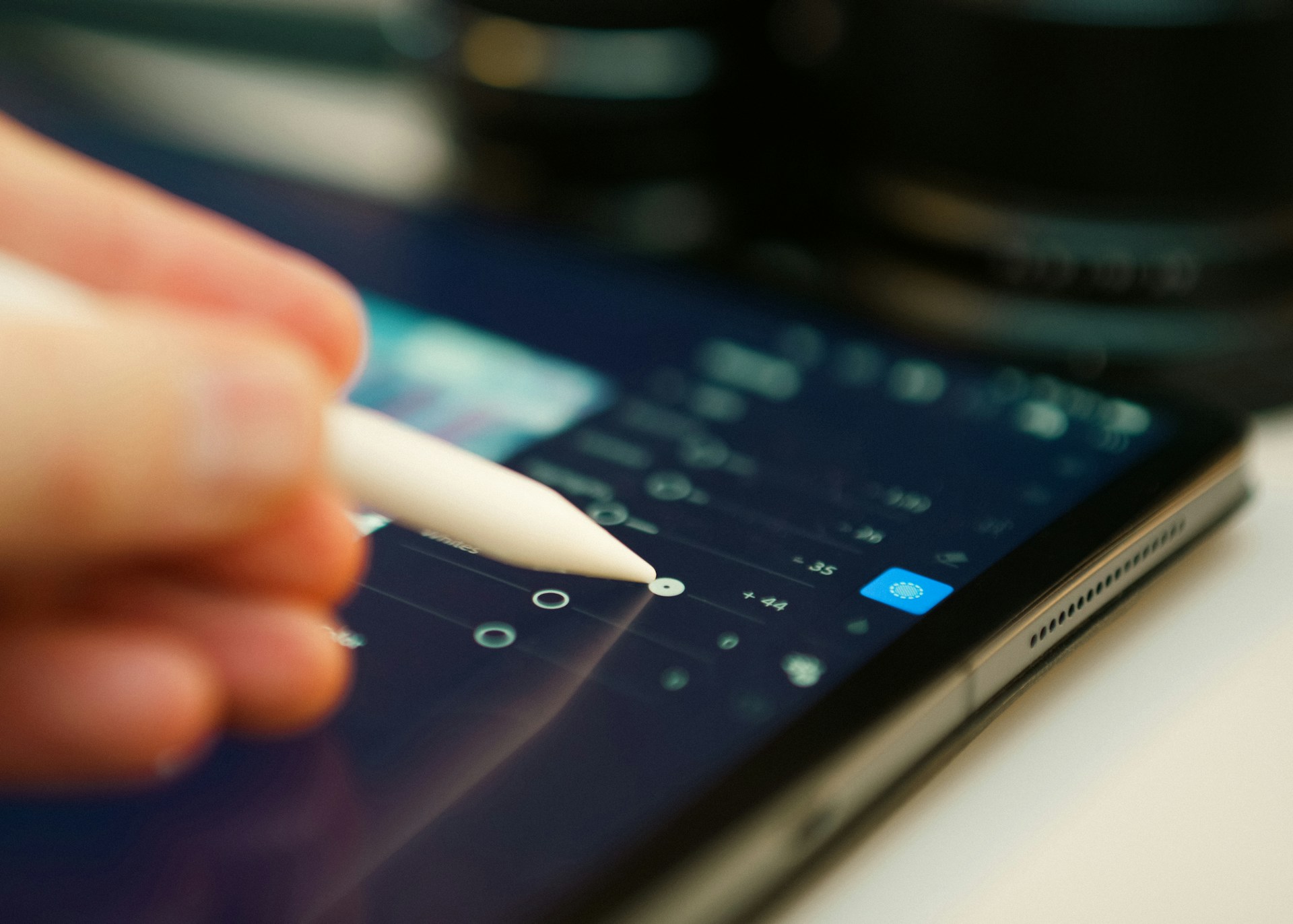
Photo editing is a whole lot easier than it once used to be. You don’t sit lassoing backgrounds for hours on end or manually patching skin tones pixel by pixel to remove blemishes, acne, or discoloration. AI does it for you now. It swaps, and you’re done. This is impressively revolutionary. And while there have been fair debates surrounding “oh, it will take away photo editors’ jobs” well, artists once too had the same argument when the camera was invented.
Inspect the changed image and preserve its production history
AI editing techniques can produce useful alternatives, but the final export still needs to match its purpose. Background removal, object replacement, filtering and layout generation change different parts of the image. Define what must remain accurate before applying them together.
For an illustrative product edit, compare edges, labels, texture and colour with the original. Keep difficult samples in a batch trial instead of showing only the cleanest output. Record settings and rejected results so a later correction can be reproduced.
Provenance is also different from ordinary metadata. Google DeepMind’s SynthID description says its watermark is embedded in generated content and designed to withstand common modifications. A third-party removal claim is not evidence that the mark was removed or that the content’s origin and usage conditions changed.
Keep the source references and approvals with the selected asset. An attractive edit does not establish product truth, an endorsement or a complete rights clearance.
Use the quality-and-fidelity inspection, the photo-selection safeguards and the automated-edit acceptance review before releasing the result.
Practical guidance revised November 2, 2026. Examples are illustrative.
AI tools sure take away the burden of doing manual work, but they still give you space enough to draw your focus to more important tasks too.
These 6 AI tools are changing image editing for good that are not just for pros, but for everyone who needs studio-level visuals without the studio-level stress.
1. AI Background Removal
Sometimes the background just isn’t it. You can’t help it. You can’t change it. You just have to find a way to work around it. Luckily, the AI background remover kind of does you a favor. Because while sometimes the background is exactly what you need, more often it’s just stress: seeing if it’s aligned, if the angles work, and then suddenly you’re no longer focused on the subject of your photo.
Background removal and replacement need edge, texture and context review. Inspect the actual exported image for halos, missing details and an inappropriate composite rather than assuming flawless professional output. Related references from the original discussion: AI background remover.
2. AI Object Remover
Object removal can alter surrounding pixels and invent fill detail. Compare the result with the original and review whether the removal changes the meaning or accuracy of the photograph. Related references from the original discussion: AI photo object remover.
3. AI Replace
An AI replacement is a generated interpretation, not a guarantee of seamless blending or factual accuracy. Inspect texture, colour, shadows and any changed product or identity detail. Related references from the original discussion: AI Image Replacer.
It’s what fashion bloggers use when they want to change their outfit’s colors without re-shooting. It’s what brands use to localize product shots without hiring new models in each region. And it’s what you’ll end up using once you realize how much time it saves.
SynthID: distinguish provenance from ordinary metadata
The linked service claims to remove SynthID, but this article does not verify that claim. SynthID is embedded in generated content rather than being only a metadata field. Google DeepMind describes it as designed to withstand common changes. Do not assume that stripping metadata removes the mark, leaves the image unchanged or changes the content’s origin or usage conditions. Related references from the original discussion: remove invisible SynthID watermarks.4. AI Filters That Actually Feel Designed
AI filters analyze your photos a whole lot more critically, including the lighting, skin tone, mood, composition, and expressions, and suggest or apply effects that actually make sense and look good.
Instead of flattening everything with a yellowish cast (that peaked in 2014 Tumblr era) these AI-powered filters enhance the right things. They’ll soften shadows if the lighting’s harsh, add cinematic tones when the background calls for drama, or even recreate entire aesthetics like “vintage film”, “K-beauty”, or “neon dreamscape” without making the image feel over-processed.
It’s smart enough to know the difference between skin and background, product and prop.
5. Automated Design
You’ve got a great photo, but now what? Layouts, text, stickers, branding overlays… the whole composition must be perfect. A wrong typo or inconsistent layout will ruin your whole day and you know it.
AI design assistants are turning the creative automation nightmare into a plug-and-play moment. You upload your photos, pick a theme or mood (minimal, grunge, corporate, cozy), and the AI auto-generates poster-level layouts. We’re talking grid rules, balance, whitespace, all done without you needing a single Pinterest board.
What makes this powerful is the context-aware adjustment. If your image has too much blank space, fill it with usable graphic design elements. If the photo has high contrast, it balances it with a softer background design. It feels like working with a junior art director who gets your brand but doesn’t cost you a retainer fee.
6. Batch Editing (Because One-By-One is a Trap)
This is one of the most underhyped but absolutely essential AI features if you’re working with a lot of content.
Let’s say you just did a brand shoot, 70+ images, all with the same lighting, same backdrop, and similar styling. Instead of editing them one-by-one, AI batch editing tools apply consistent edits across the board. Crop sizes, color corrections, exposure tweaks, filter overlays, everything is cloned intelligently based on your chosen reference image. It not only keeps your visual content consistent, but it also saves hours of repetitive clicking and fixing.
Bottom Line
AI is not here to take our jobs. It’s here to help us do them better, so we don’t have to spend hours doing what we used to. Just imagine if there were no AI yet, you’d still be spending hours on something as simple as removing a blemish or coloring the hair in a portrait. AI has given more value to human time, so we can focus on what’s more important, the creativity, and let AI help us bring that vision to life. And the same goes for how we edit pictures. It has completely revolutionized the whole process.